Tap to Pay for events: faster than a card terminal
Accept contactless cards and digital wallets directly from the staff member’s device. The POS is already inside the Slesh app, together with the fiscal POS: no bank terminal to hire.


More than 100 events have already chosen Slesh


The fiscal POS with Tap to Pay, ready to use
- Physical contactless cards
- Digital wallets on devices
- Tax receipt generated automatically

How Tap to Pay works, in three steps
No complicated setup: if your staff can use a device, they can already take payments with Slesh.
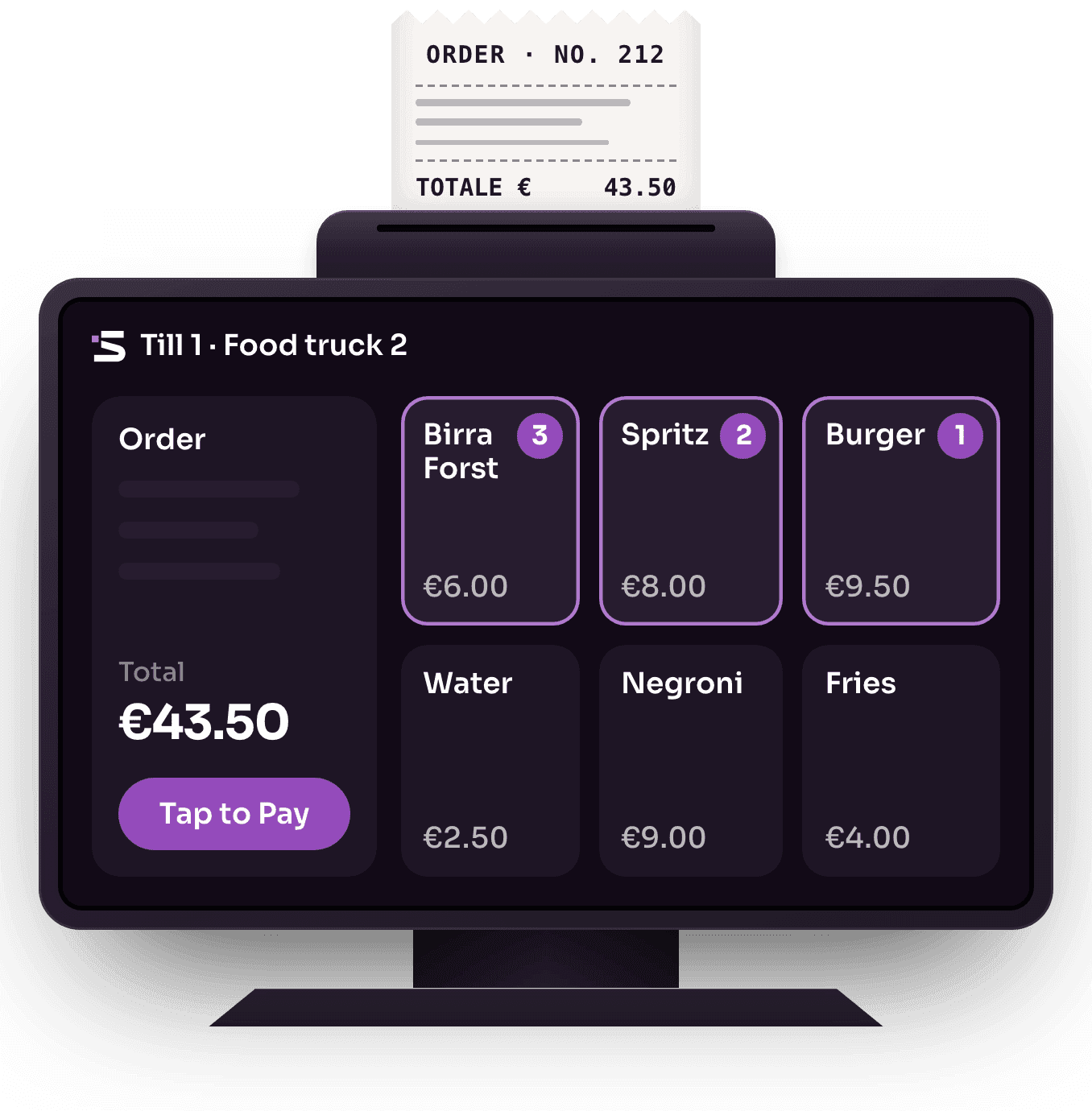
Enter the products
The bar staff member selects the ordered products on the Slesh till: the total calculates itself, in a few taps.
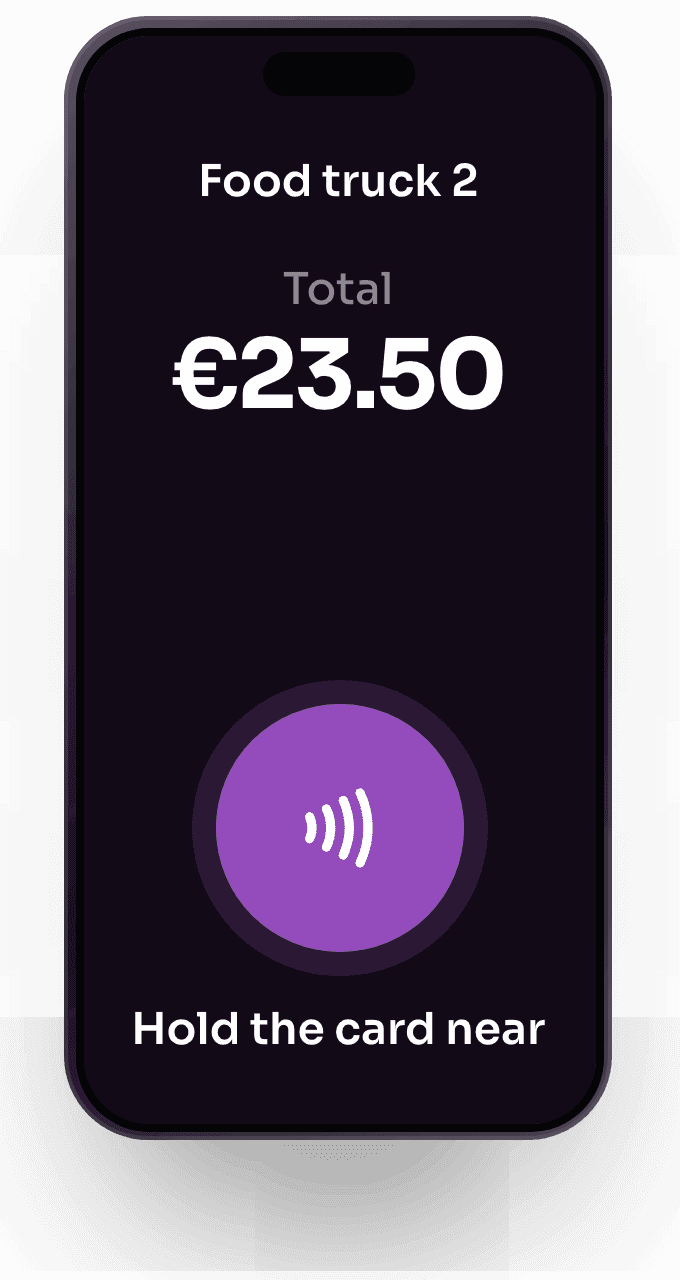
The customer taps card or wallet
Contactless card or device with a digital wallet: just hold it near the staff member’s device.
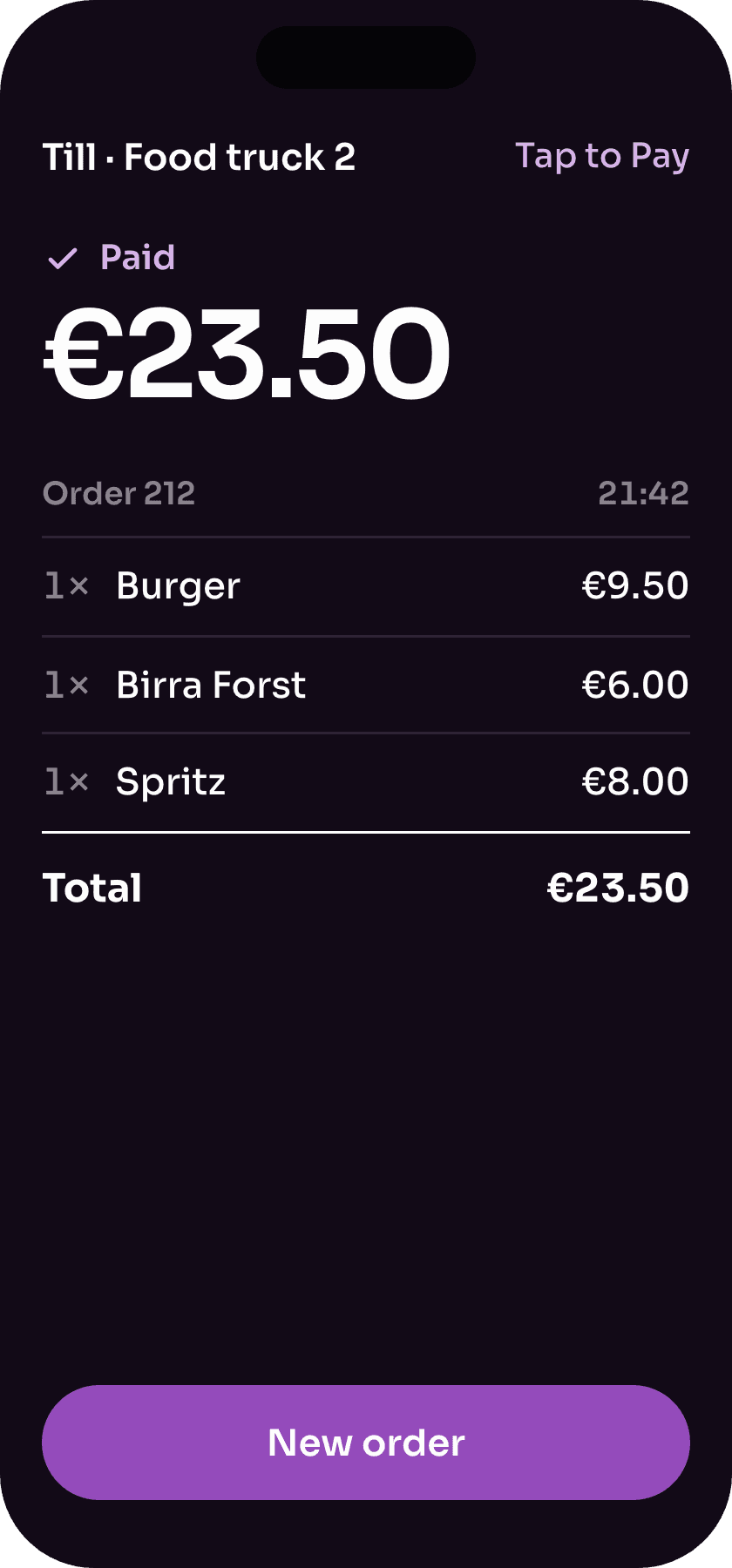
Paid and receipted
The payment is accepted and the tax receipt generates itself, with the daily takings sent to the Italian Revenue Agency.


Just ask the AI assistant
In the Slesh dashboard you ask for your event’s numbers, or ask it to create or change products, menus, tickets and staff. The assistant prepares the change and only makes it after your OK.
Frequently asked questions about Tap to Pay
Payments, tax and costs of the POS built into the Slesh app. Can’t find the answer? Write to the Slesh team or read all the FAQs.
What is Slesh Tap to Pay and how does it work?
It’s the POS built into the Slesh staff app: the staff device becomes a terminal that accepts contactless payments. The staff member enters the products, the customer taps their card or wallet and the payment is accepted.
Do I need a POS or an external bank terminal?
No. The POS is already built into the Slesh app, so you accept contactless payments on the staff member’s device, with no external card terminals.
Which payment methods can I accept?
Contactless payments with physical cards and digital wallets, directly on the staff member’s device.
Is a tax receipt issued with Tap to Pay?
Yes. Every transaction automatically generates a tax receipt and daily takings are sent to the Italian Revenue Agency, with no manual steps for the staff member.
Which events is Tap to Pay suited to?
It’s designed above all for anyone taking payments on the move, such as food trucks, in-seat vendors, events and mobile businesses. More generally, Slesh is used at any event with an audience and sales: festivals, concerts, trade fairs, sports events, clubs, arenas and stadiums.
How much does Tap to Pay for events cost?
The cost depends on volume and the services activated. Get a quote online or request a tailored one.
Related solutions
Pre-sales under control
Explore ticketingNew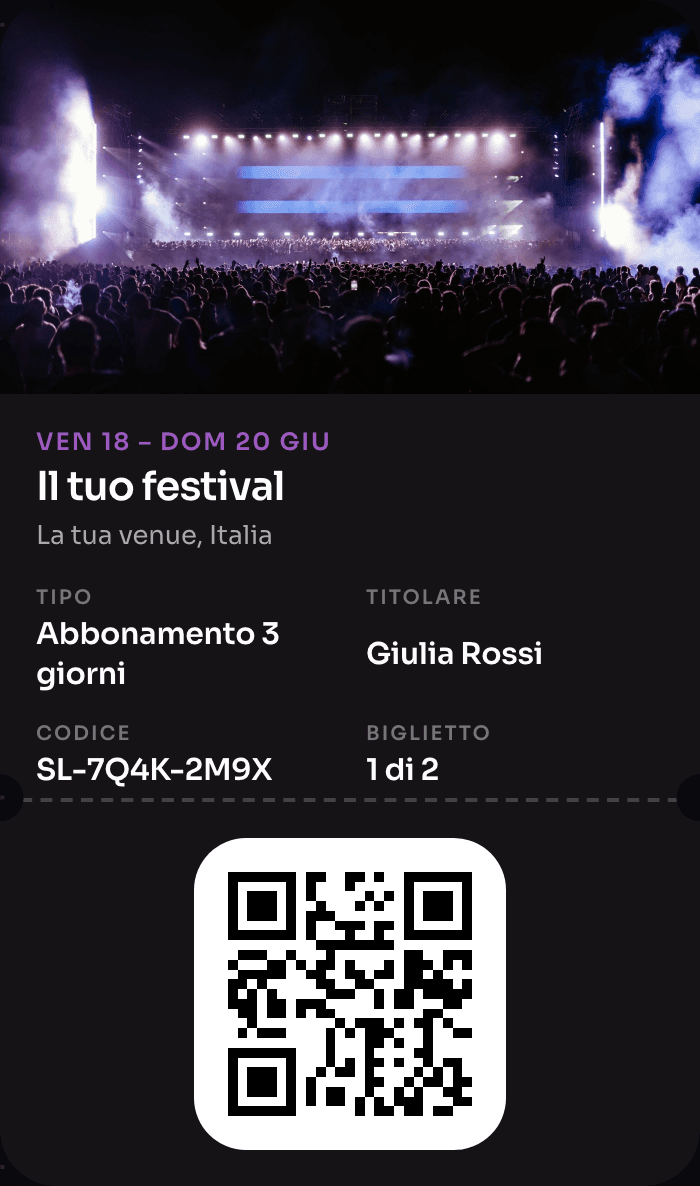
The wristband that pays, opens doors and rewards
Explore NFC Cashless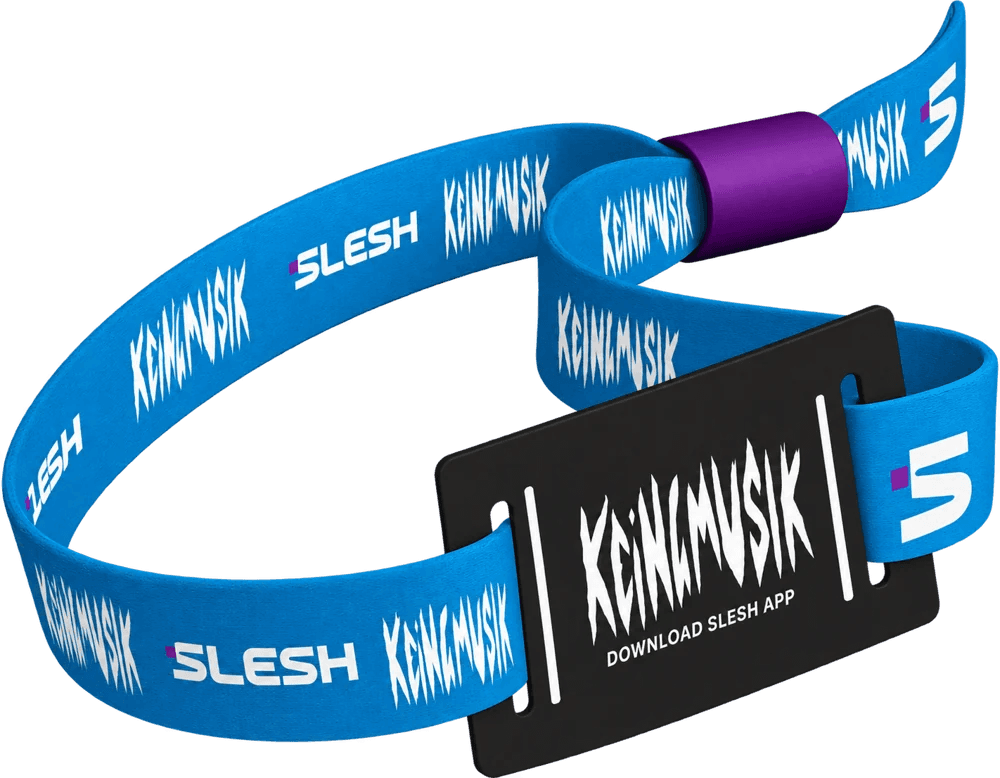
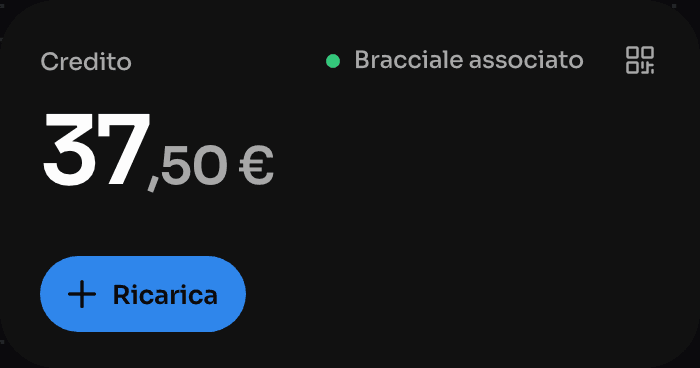
Order from the QR, skip the queue
Explore Order & Pay
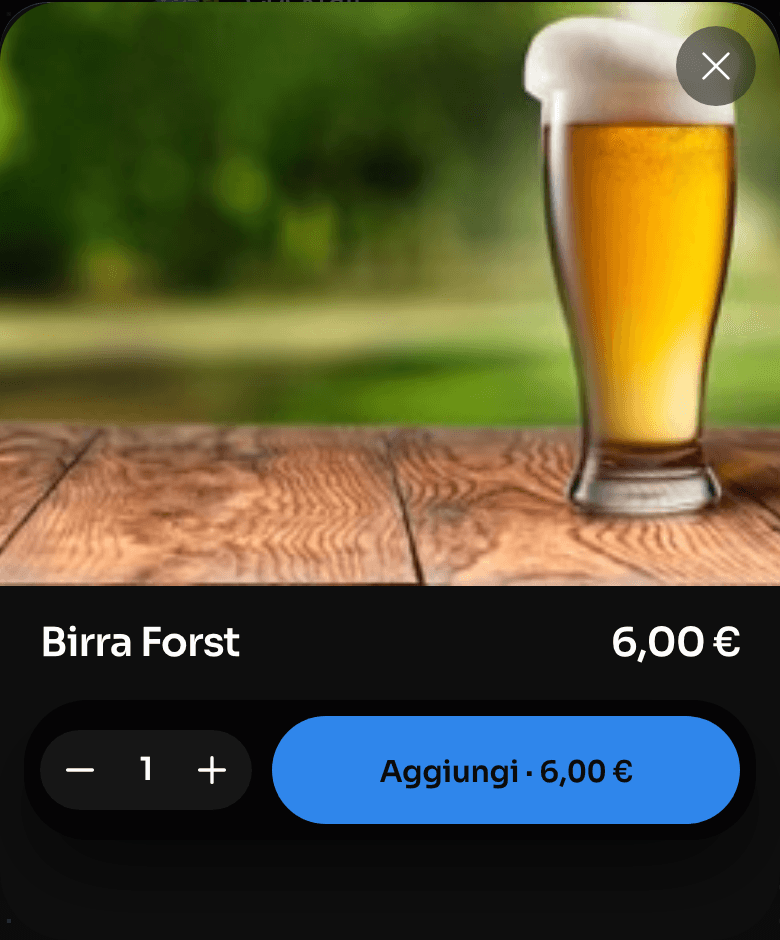
One device instead of four
Explore the till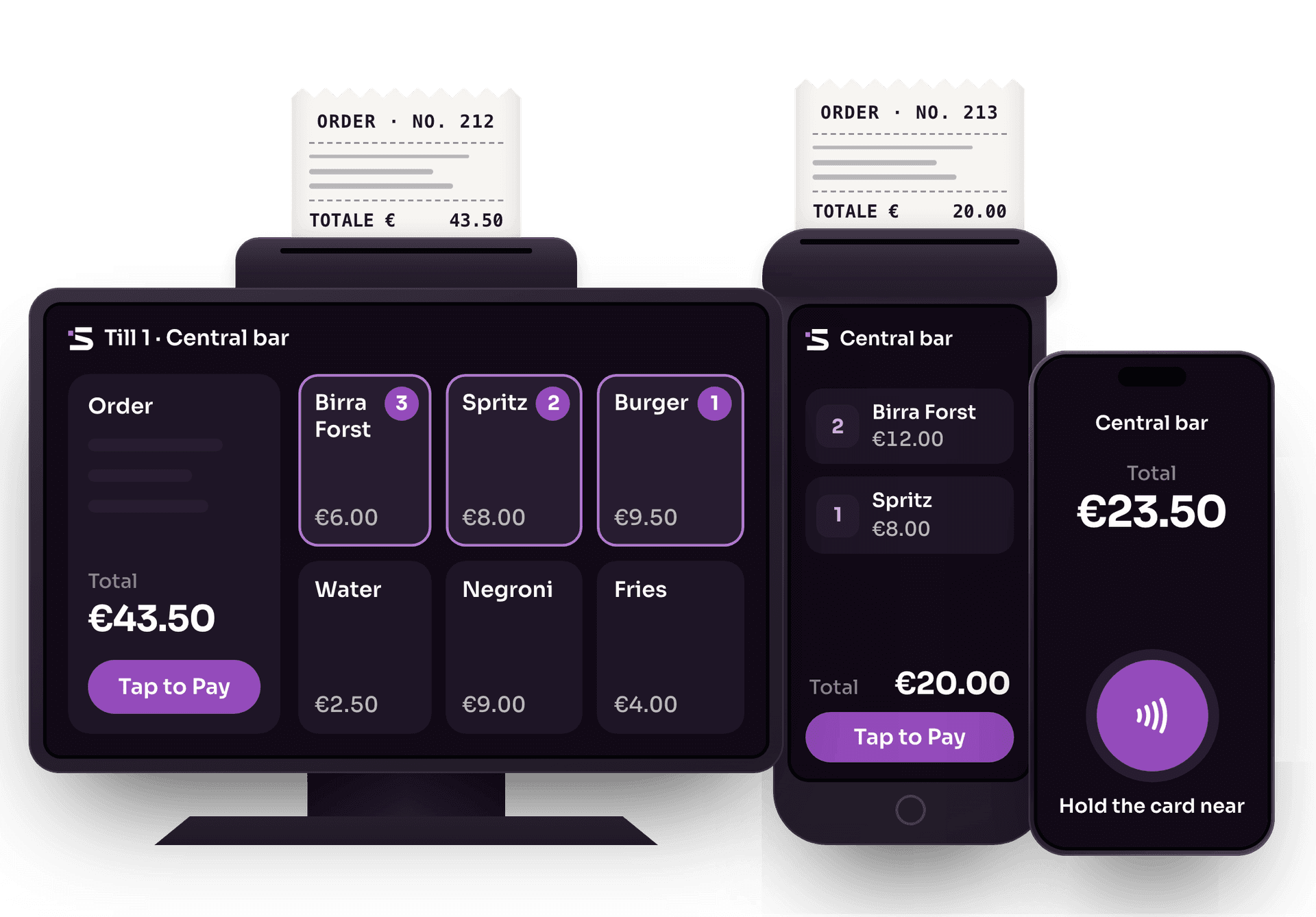
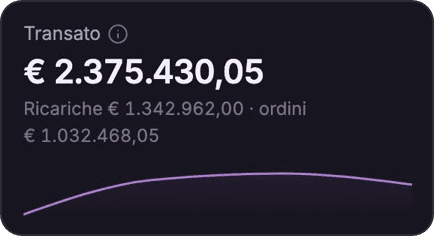
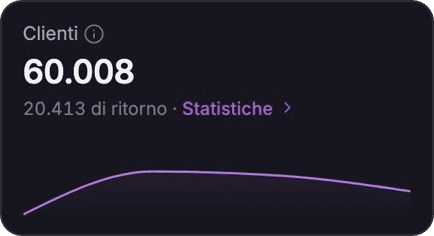
The whole event on one screen
Explore the Dashboard
The app for cashless events
Explore the Slesh app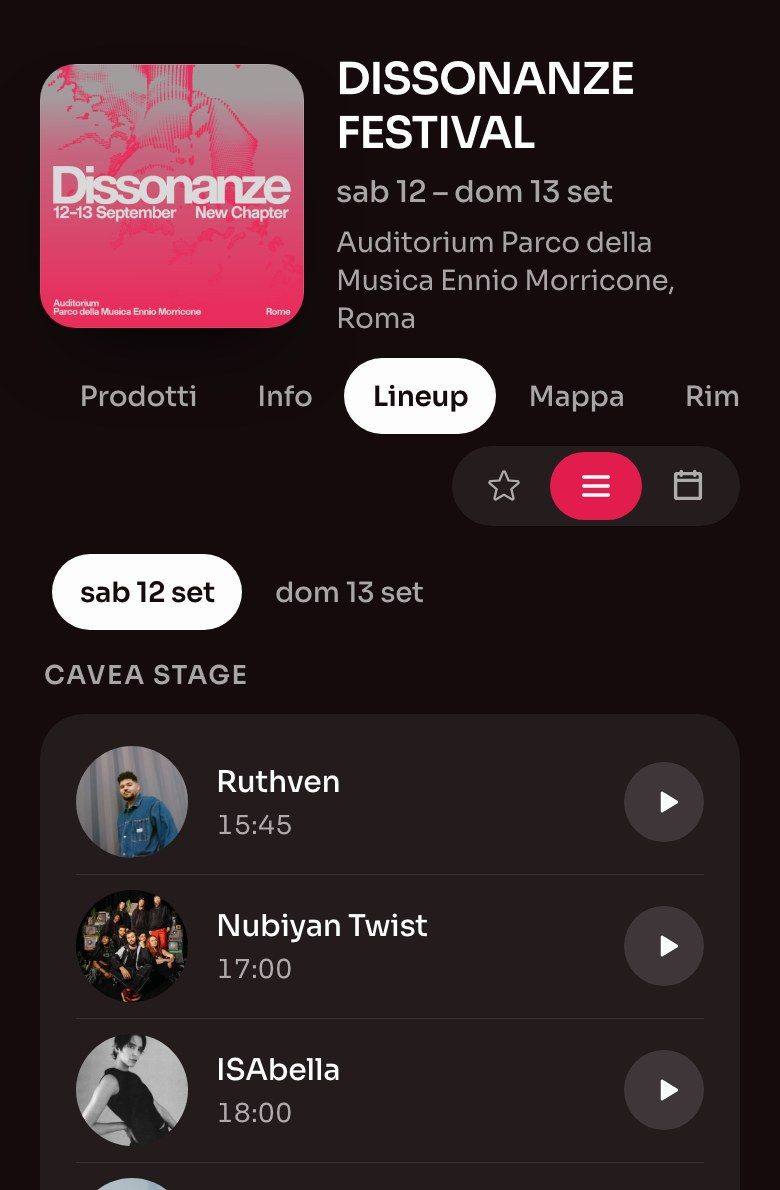
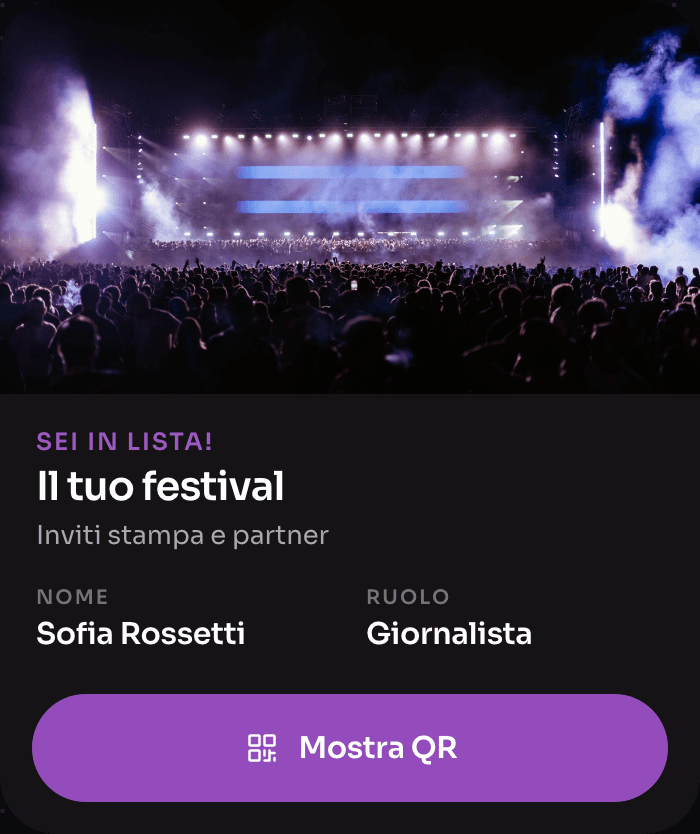
Guestlist, without spreadsheets
Explore Guestlist


Take payments anywhere, any time
We’ll show you Tap to Pay in action on the Slesh till. We’ll get back to you as soon as possible.