The AI assistant that reads and runs your event
Ask for your event’s numbers, or ask it to create and edit products, prices, menus, tickets and staff. The assistant answers with data and charts and only changes what you approve.
More than 100 events have already chosen Slesh


Ask the way you’d ask a colleague
Type the question and the assistant looks through the event’s orders, top-ups, tickets, products, points of sale and staff and answers with the numbers.
It makes changes too
Ask it to create a product, change prices, assign a menu to your bars, add a staff member or a ticket. The assistant shows you what is about to change and only does it after your OK.
Answers with charts that read at a glance
Takings, orders, top-ups, tickets sold by channel or type, products and points of sale by revenue. Ask for a trend and the assistant draws the chart.
Before, during and after the event
More solutions
Pre-sales under control
Explore ticketingNew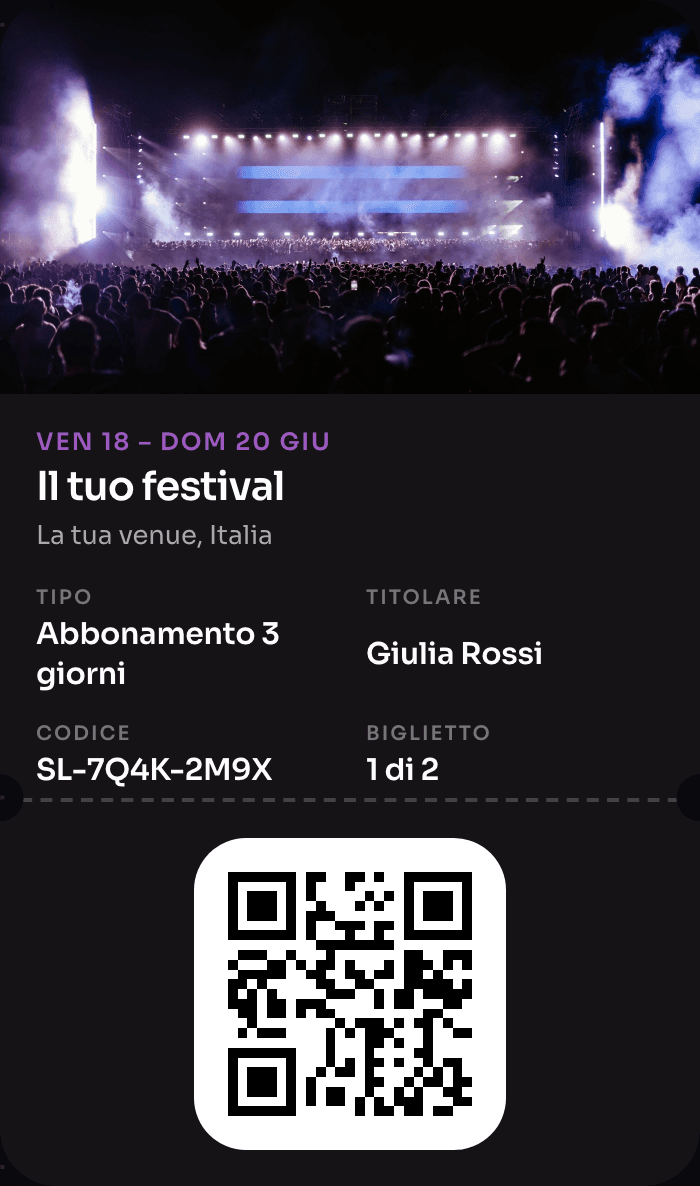
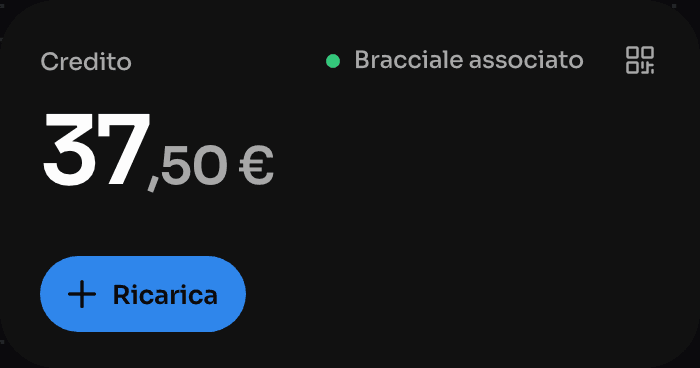
The wristband that pays, opens doors and rewards
Explore NFC Cashless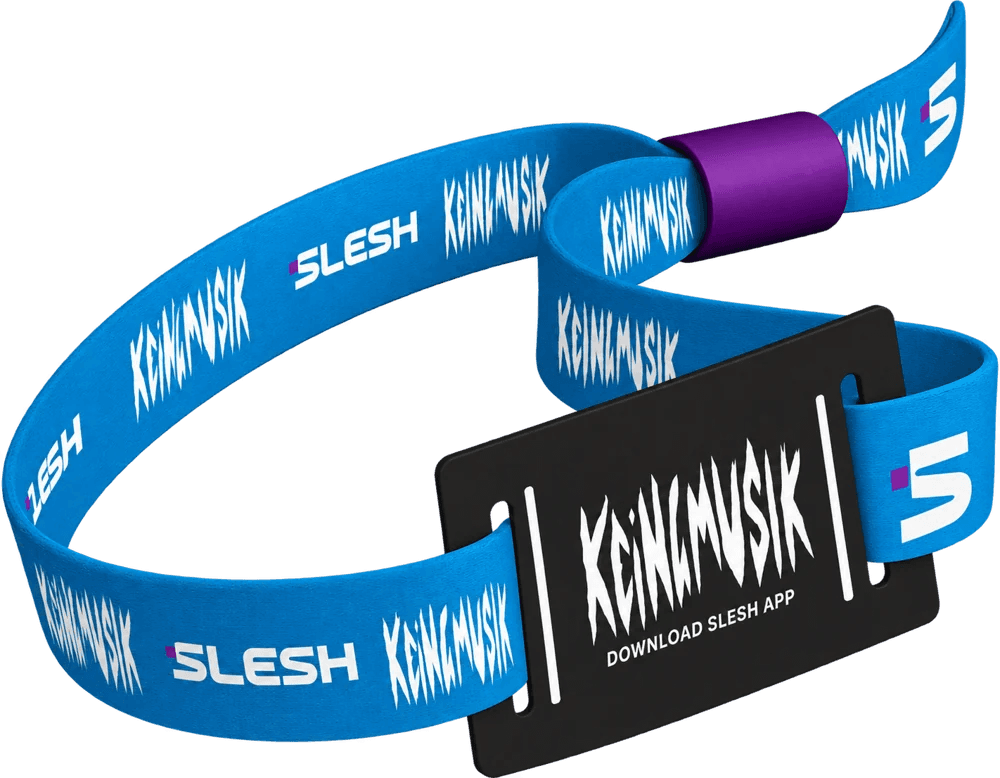
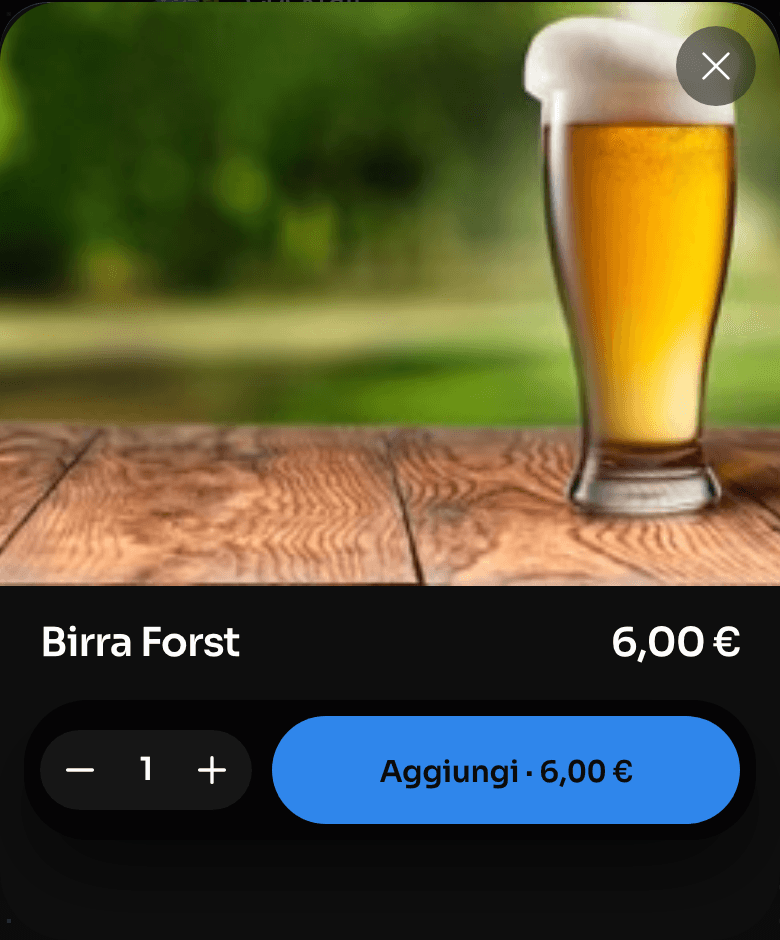
Order from the QR, skip the queue
Explore Order & Pay
One device instead of four
Explore the till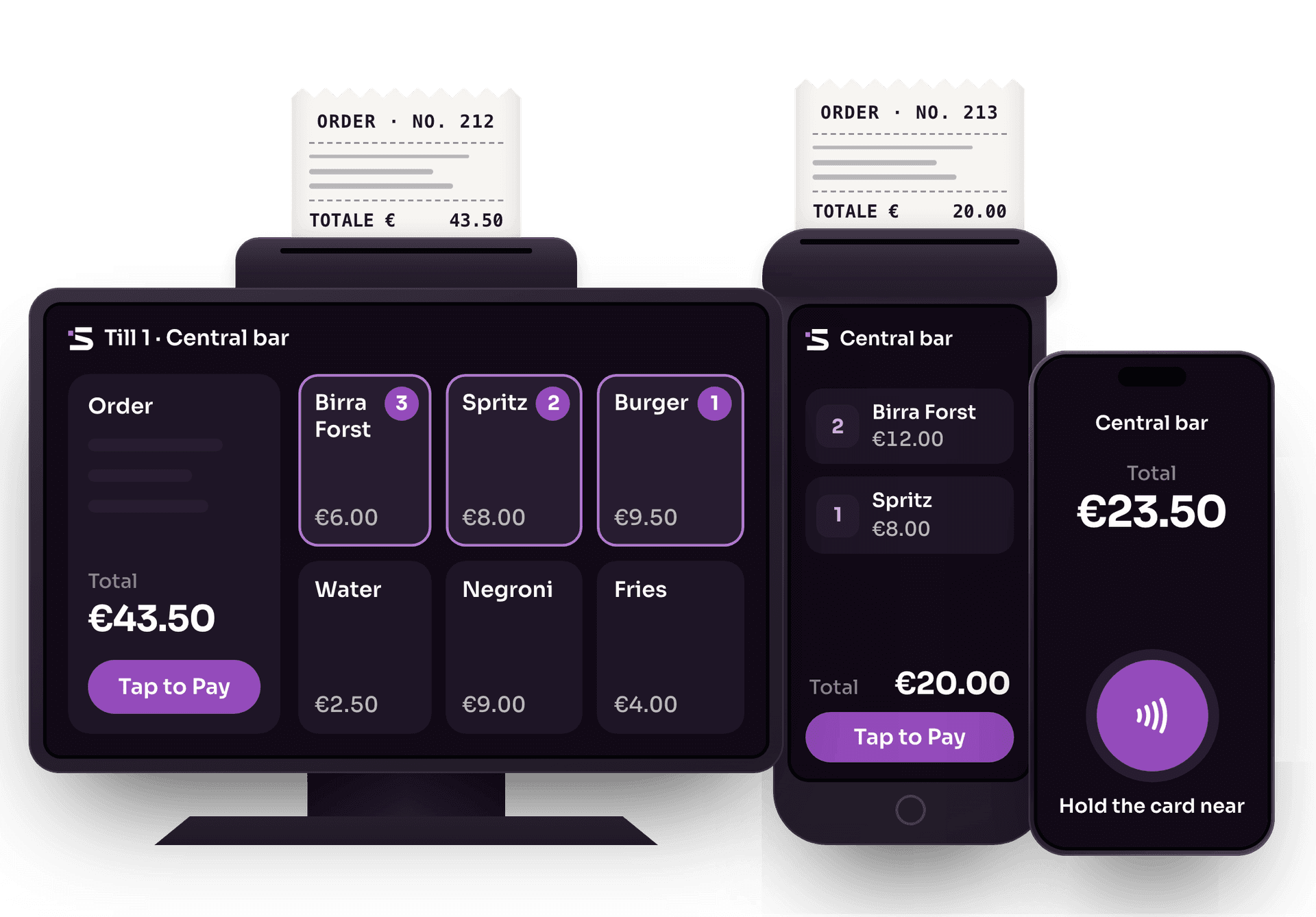
Cards and wallets, no external card terminals
Explore Tap to PayThe whole event on one screen
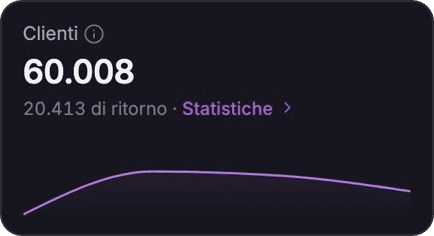
Explore the Dashboard

The app for cashless events
Explore the Slesh app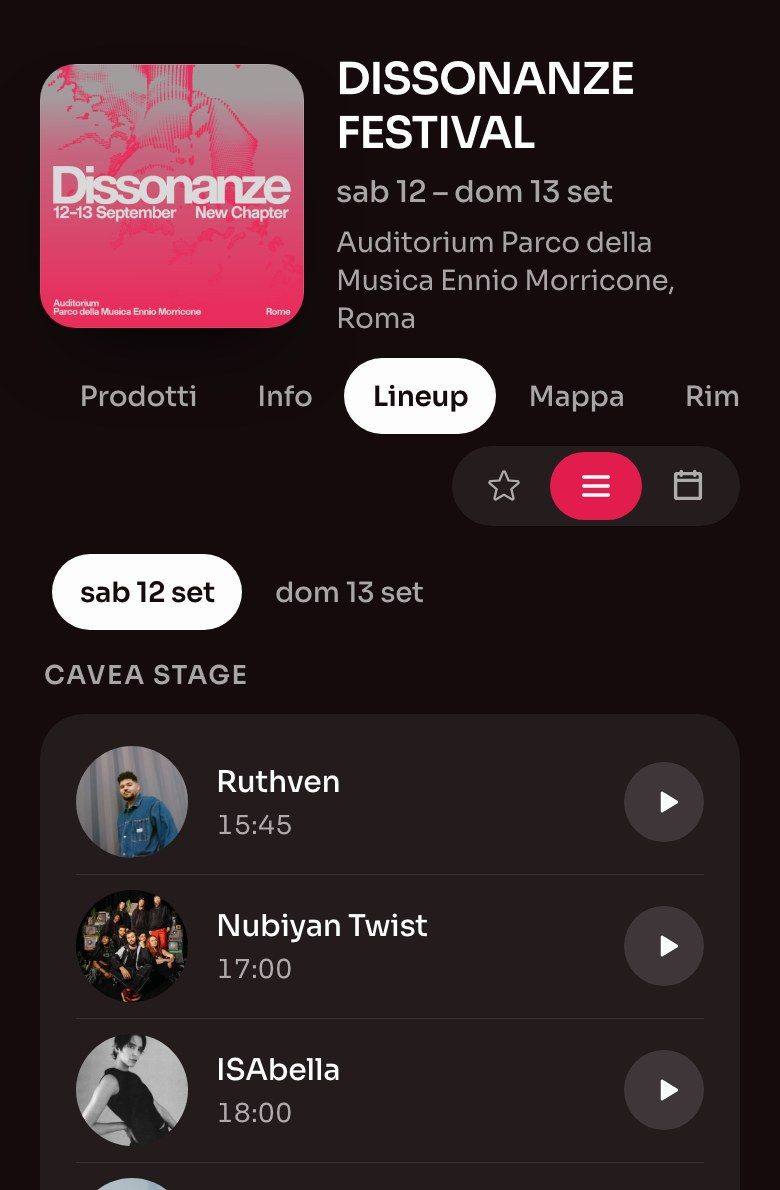
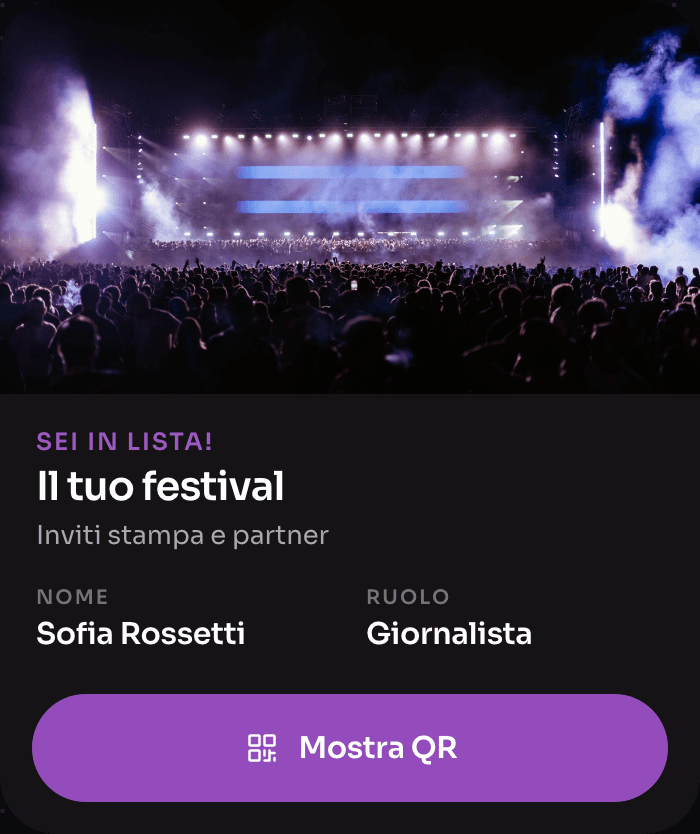
Guestlist, without spreadsheets
Explore Guestlist


AI assistant FAQ
Where it is, what it reads and how you approve changes.
Where do I find the AI assistant?
In the Slesh dashboard, under Assistant. You use it with your dashboard account, on a computer, tablet or mobile device.
What data can it look at?
Orders, top-ups, tickets, products, points of sale, staff, customers and events. It answers with the numbers and, when it helps, a chart.
Can it change something without asking me?
No. For every change it shows you what is about to change and an attention level, from Safe to Risky. It only goes ahead if you approve.
What can it create or edit?
Products and options, categories, menus, points of sale, staff, events, venues, tickets, areas, QR codes, printers, guest lists and credit. It can also record which devices were handed to which staff.
Are conversations saved?
Yes. You find them in the Conversations list, grouped by day, and you can delete them whenever you like.

Try the assistant on your event
In a demo we show you what your team can ask and how you approve changes.