Real-time dashboard and statistics for your events
Sales, products, points of sale, top-ups and receipts: follow the event as it happens and decide straight away. From a mobile device, tablet or PC.

More than 100 events have already chosen Slesh


Decide while the event is running, not the Monday after
See sales trends, best-selling products and how much each point of sale takes, with figures updated at every transaction.
Real-time sales
Takings by hour, by day and by area: you see peaks as they happen and move staff where they’re needed.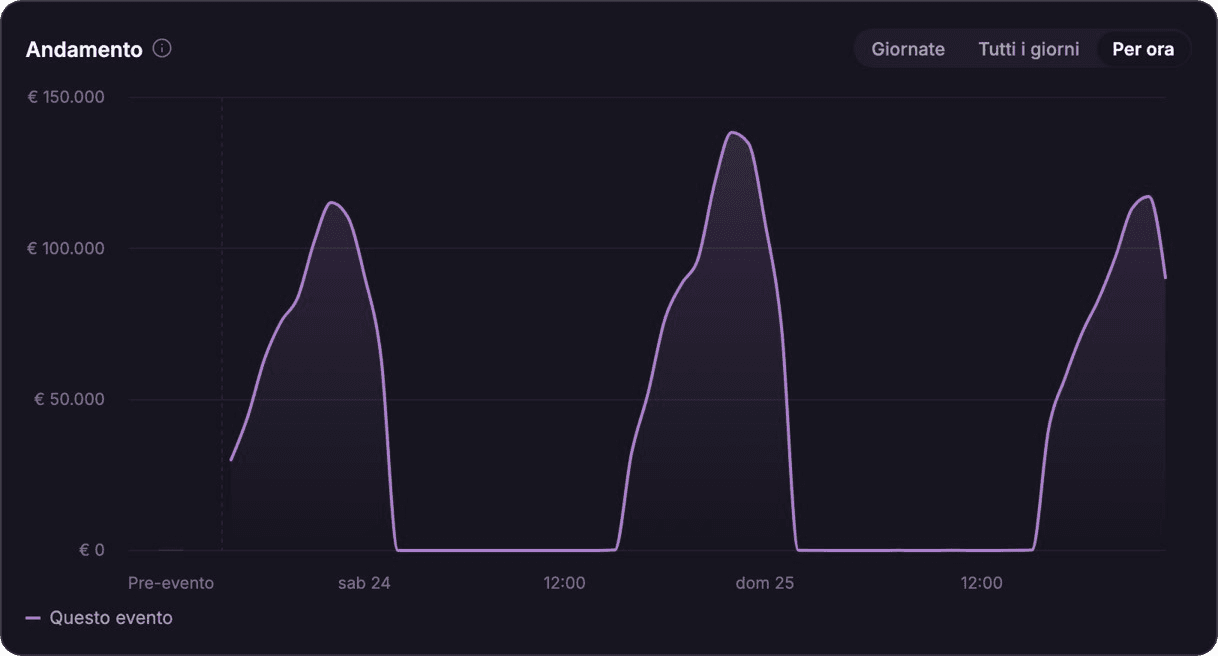
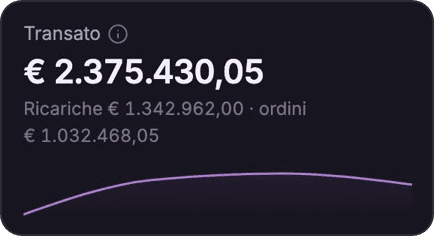
Most popular products
The ranking updates with every tap: restock in time and never run out of best sellers.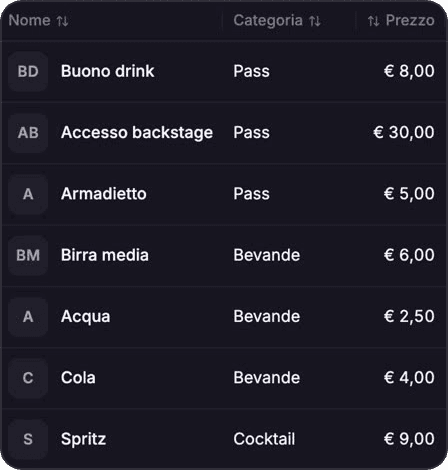
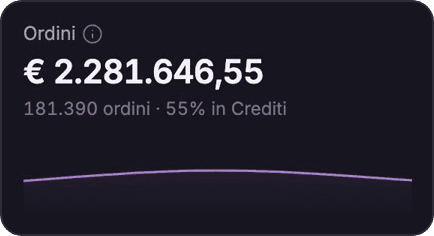
Point-of-sale performance
Transactions and takings for every bar, stand and till, so you see straight away where sales are slowing.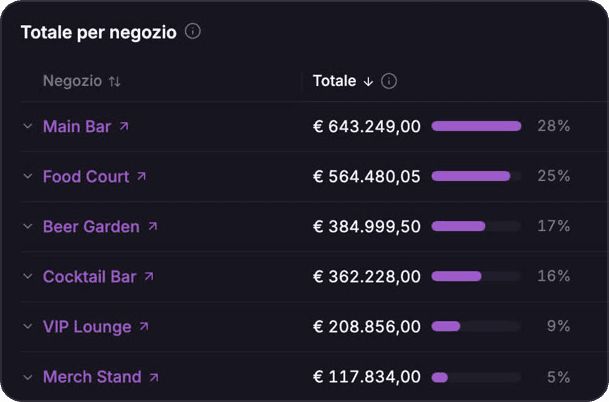
Top-ups, access and consumption
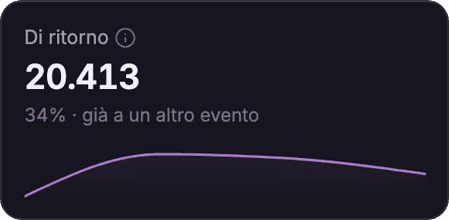
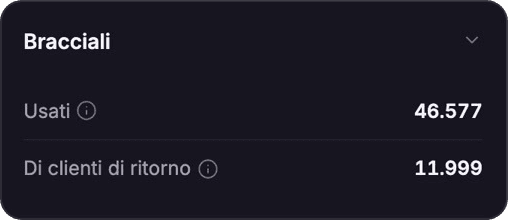
Credit loaded via app or on site, entrance flows and consumption by area on a single screen.


Prices, menus and availability: change them in a few clicks
The Slesh dashboard gives you a simple interface to manage the whole catalogue: update availability, prices and descriptions, monitor orders and check sales history. Changes reach the Slesh fiscal tills and the Order & Pay QR menu.


Receipts already sent and tax reports ready
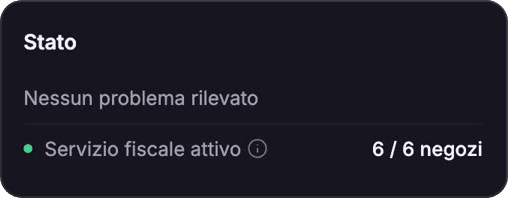
Thanks to direct integration with the Italian Revenue Agency’s online system, every transaction automatically generates a digital tax receipt. Compliant with Italian tax regulations, with no cash registers.

From the dashboard to your audience
Real-time push and promotions
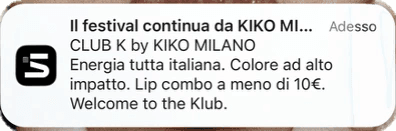
You talk to the people at the event through the Slesh audience app: discounts, schedule changes, useful info.
Start taking payments before the event
Merch presales, advance top-ups and sponsor spaces. All measured in the same dashboard.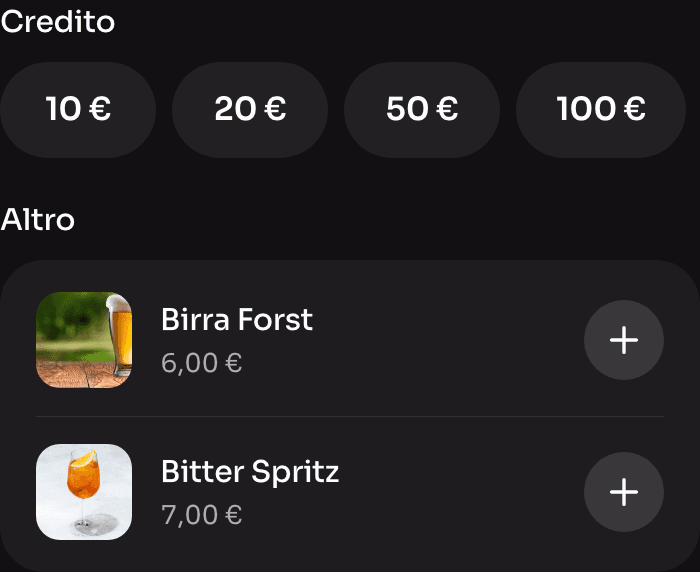


Just ask the AI assistant
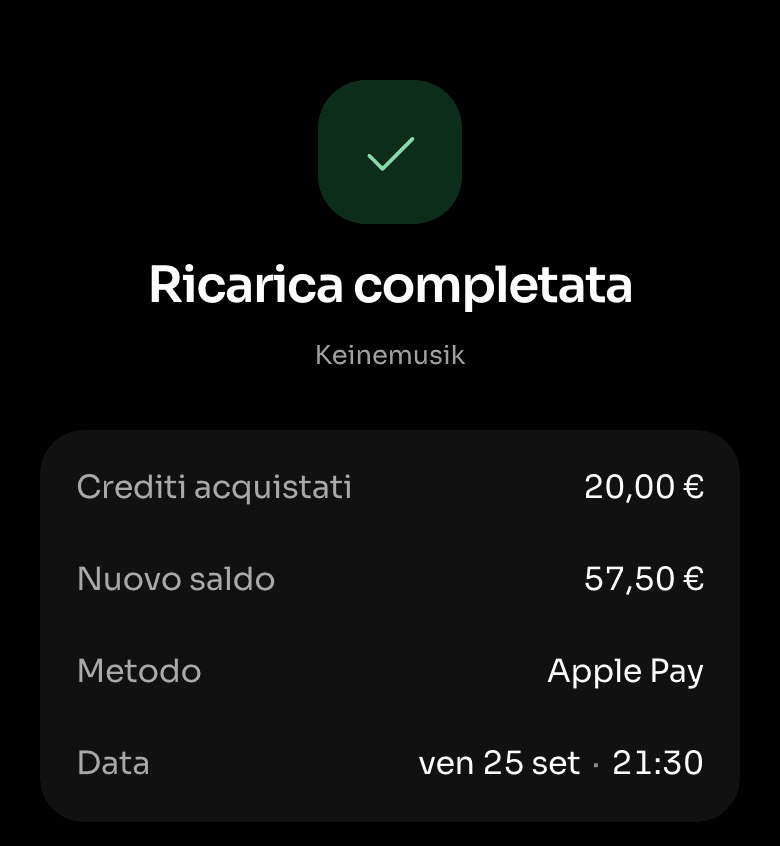
In the Slesh dashboard you ask for your event’s numbers, or ask it to create or change products, menus, tickets and staff. The assistant prepares the change and only makes it after your OK.
More solutions
Pre-sales under control
Explore ticketingNew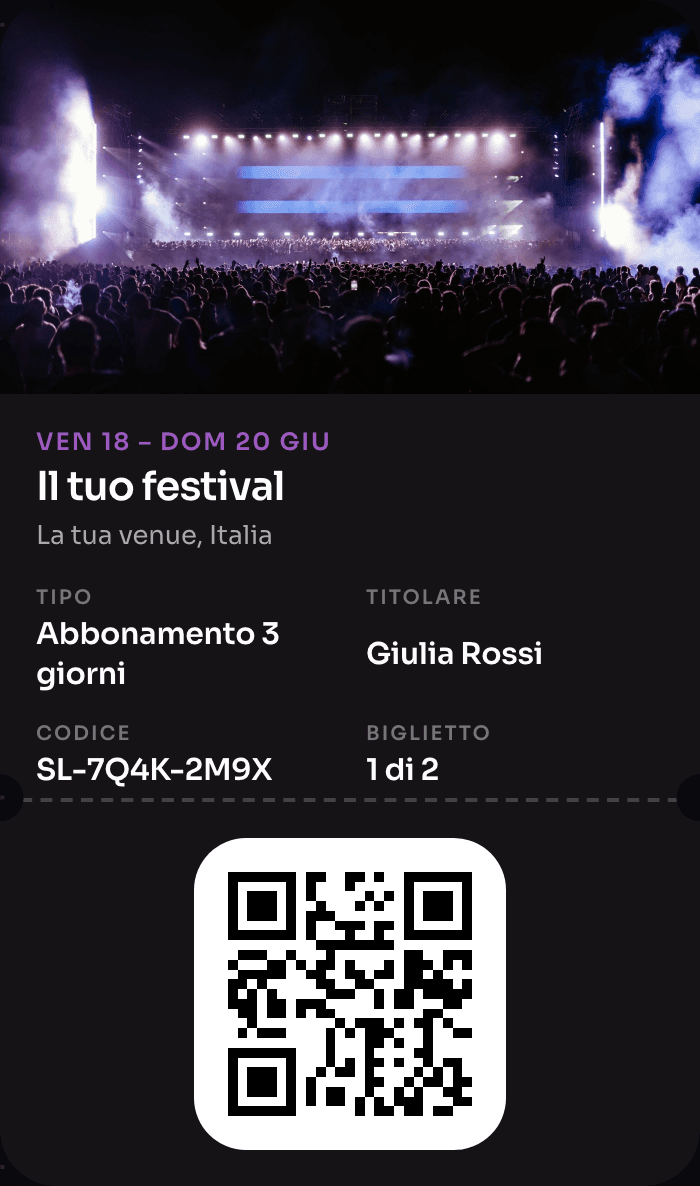
The wristband that pays, opens doors and rewards
Explore NFC Cashless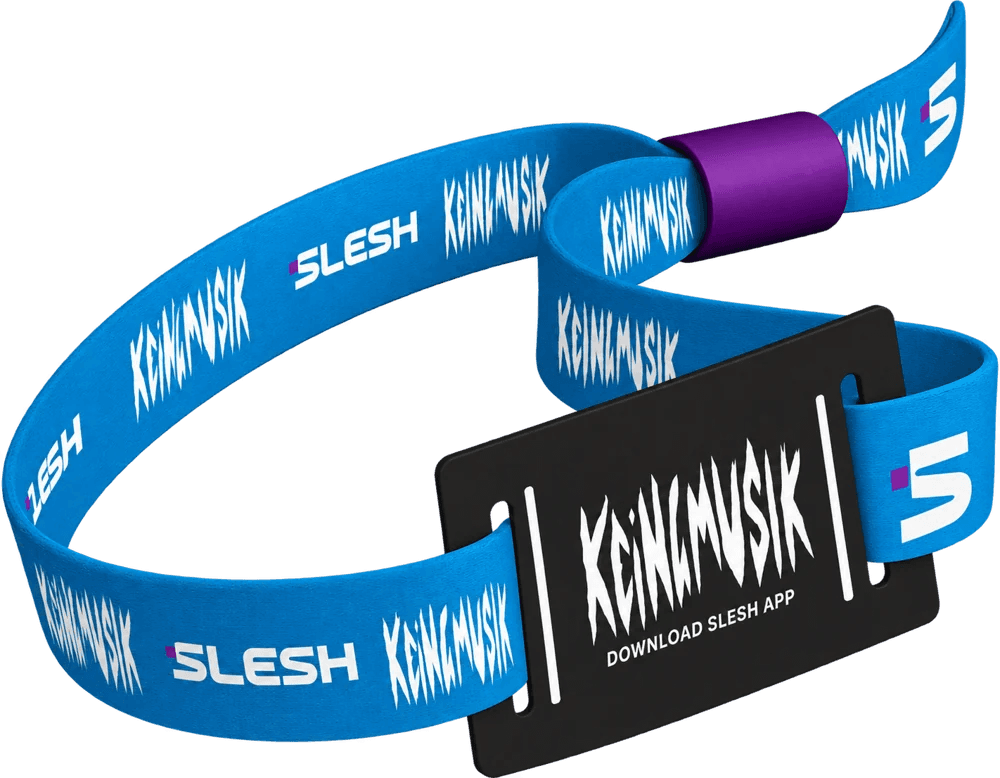
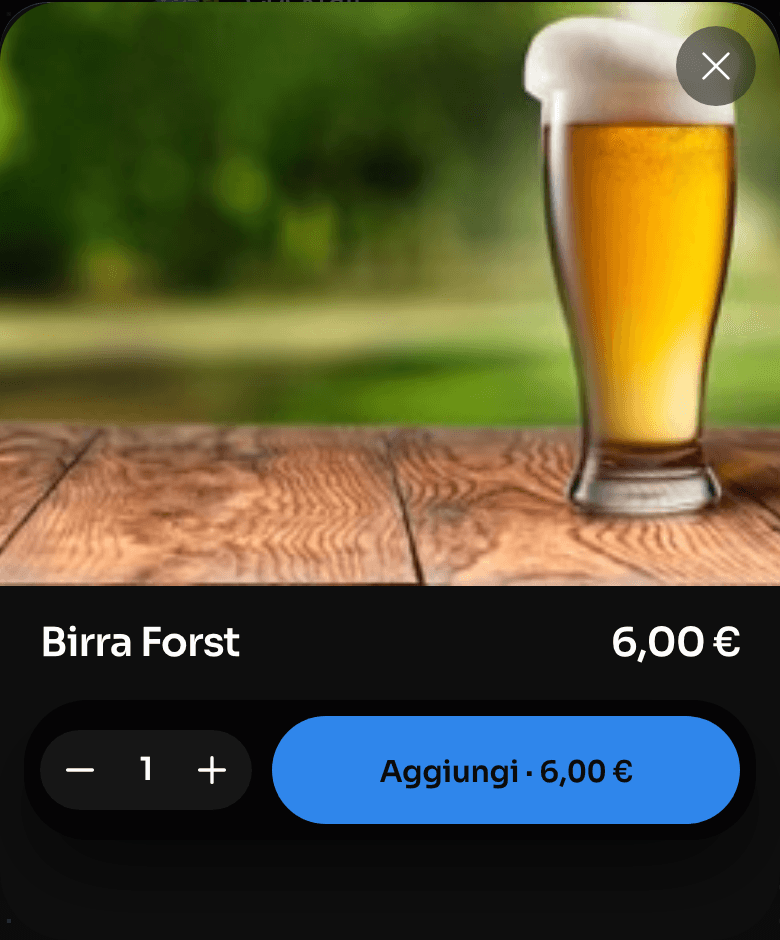
Order from the QR, skip the queue
Explore Order & Pay
One device instead of four
Explore the till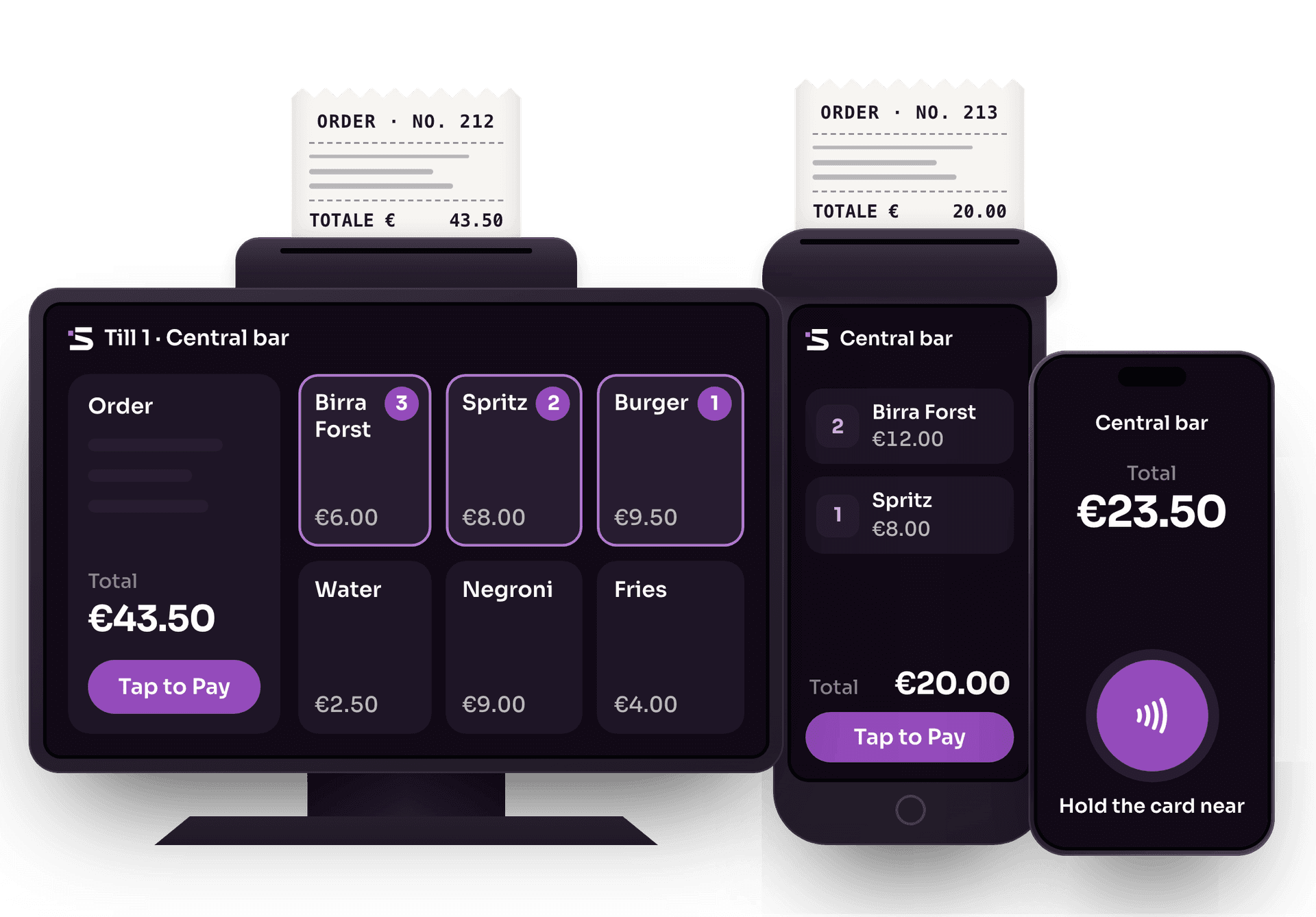
Cards and wallets, no external card terminals
Explore Tap to PayThe app for cashless events
Explore the Slesh app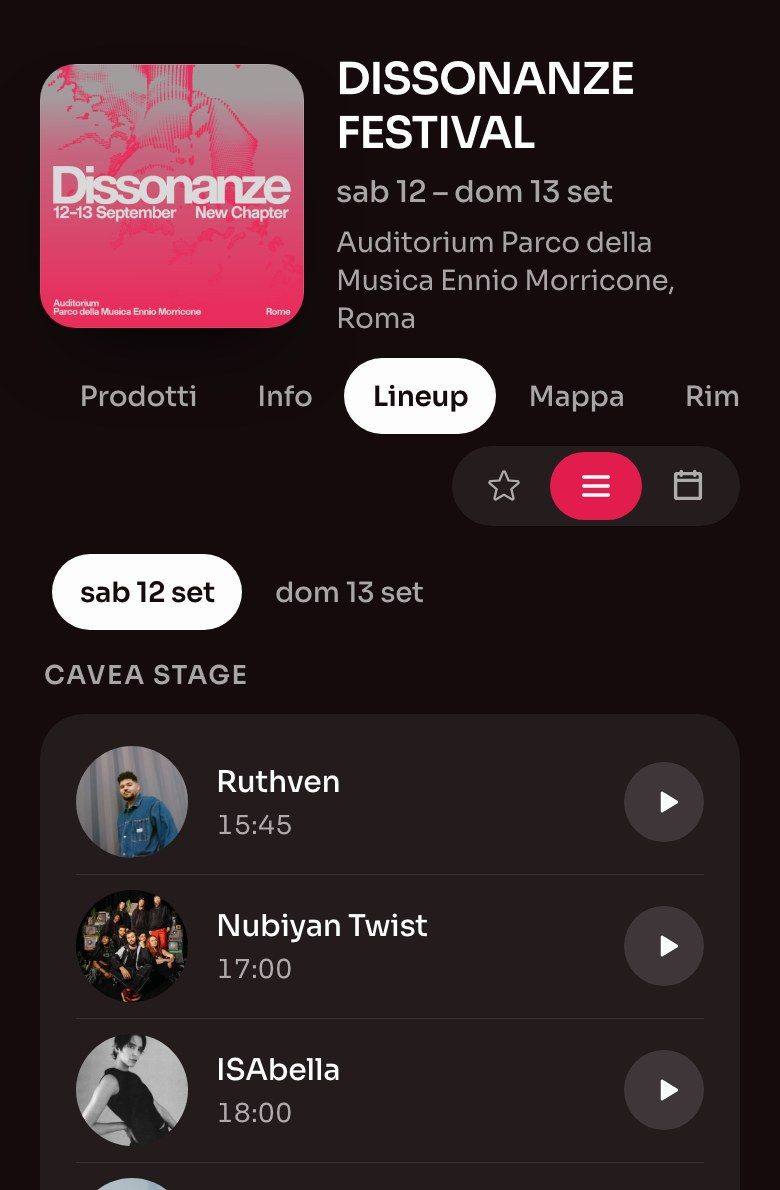
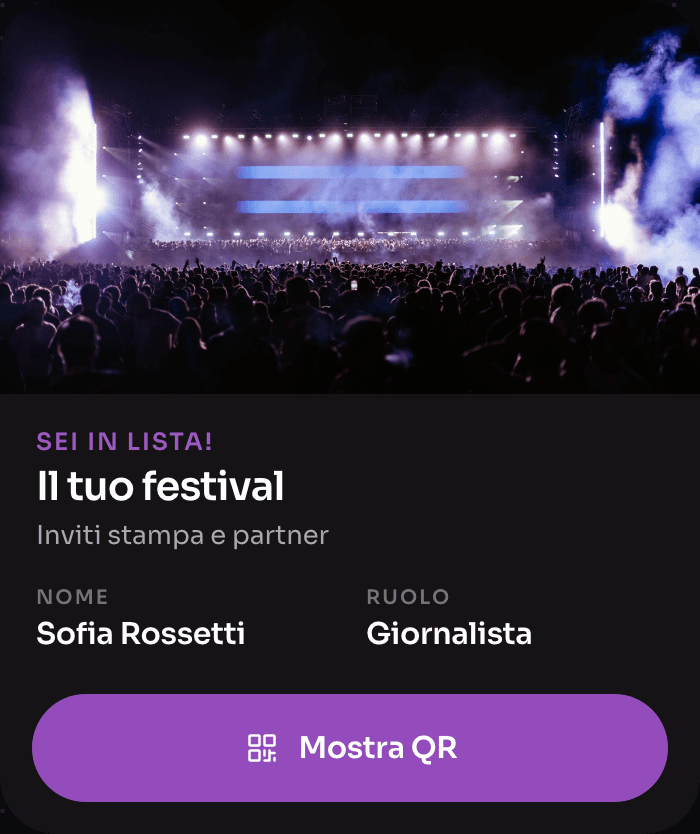
Guestlist, without spreadsheets
Explore Guestlist


Frequently asked questions about the dashboard
Real-time data, catalogue, tax and offline.
What can I monitor in real time with the Slesh dashboard?
Sales, best-selling products, the performance of each point of sale, top-ups, access and consumption. Data updates instantly and you can check it from a mobile device, tablet or PC.
Can I change prices and menus during the event?
Yes. From the dashboard you update product availability, prices and descriptions in a few clicks, monitor orders and check sales history, without stopping service.
Does the dashboard generate tax reports?
Yes. Thanks to integration with the Italian Revenue Agency’s online system, every transaction automatically generates a digital tax receipt and reports are ready for accounting, in line with Italian regulations.
What happens to the data if the network goes down?
The Slesh system also works offline: transactions are saved on the devices and synced with the dashboard as soon as the connection returns, so the numbers stay complete.
Do I need training to use the dashboard?
No, the interface is designed to be easy for anyone to use: you can start working straight away. The Slesh team supports you during planning and throughout the event.
How much does the Slesh dashboard cost?
The dashboard is included in the Slesh platform and the cost depends on the modules you activate and the size of the event. You’ll find the details on the Pricing page, or you can ask for a quote.

See your event in real time
We’ll show you the dashboard with a scenario similar to yours. We’ll get back to you as soon as possible.