The app for cashless events
With the Slesh app your crowd tops up credit from home, links their NFC wristband at the entrance, checks the lineup and purchases, and after the event requests a refund of their leftover credit. All synced with your dashboard.


More than 100 events have already chosen Slesh


Four steps, shorter queues at the tills
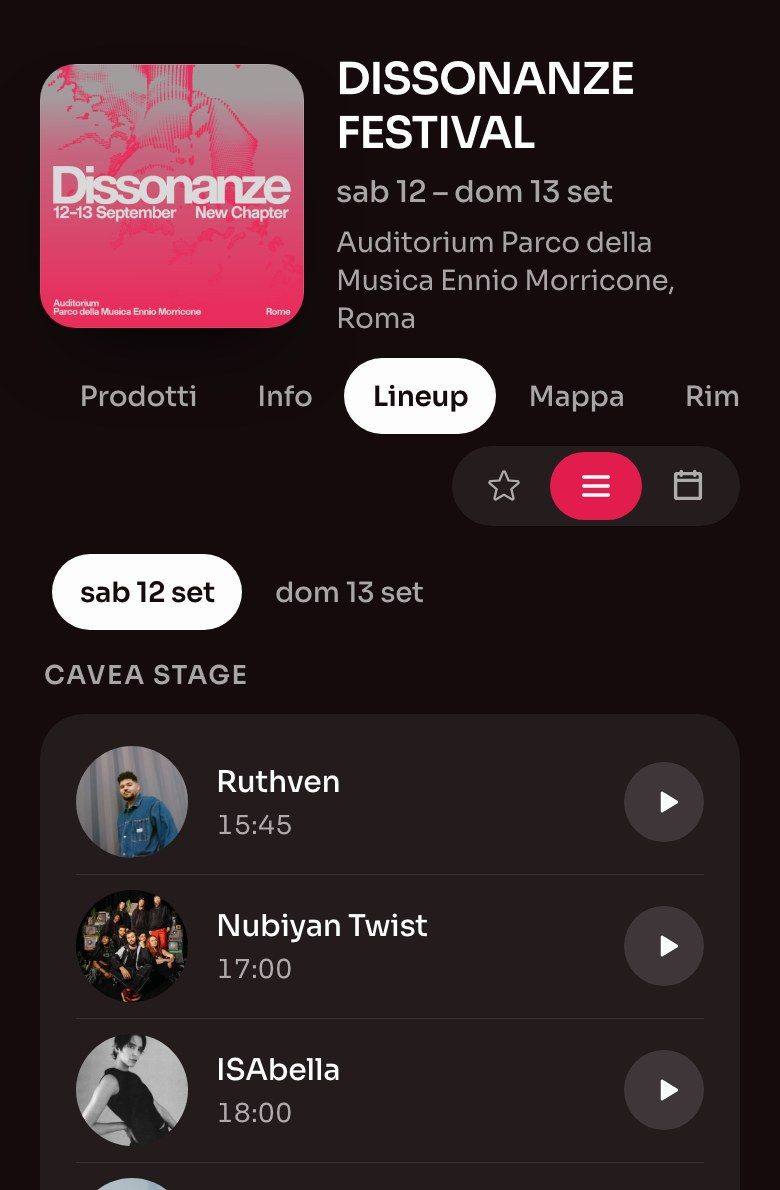
Download the Slesh app
Invite your crowd to download it before the event: comms, ticketing and social media do the rest.
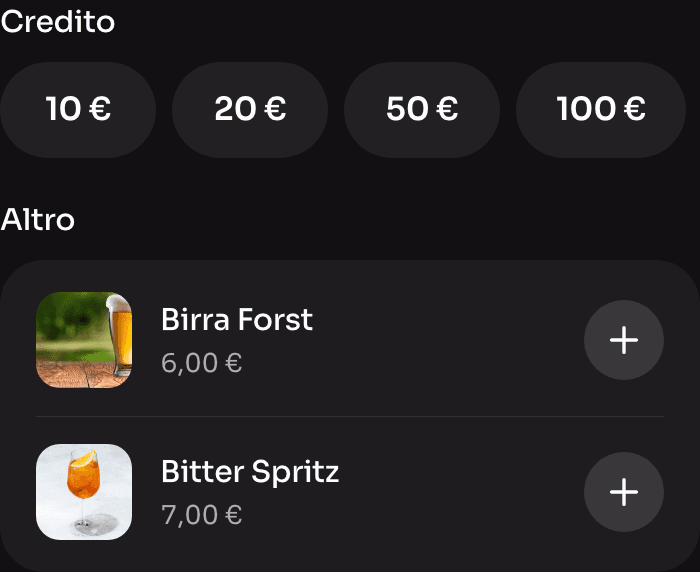
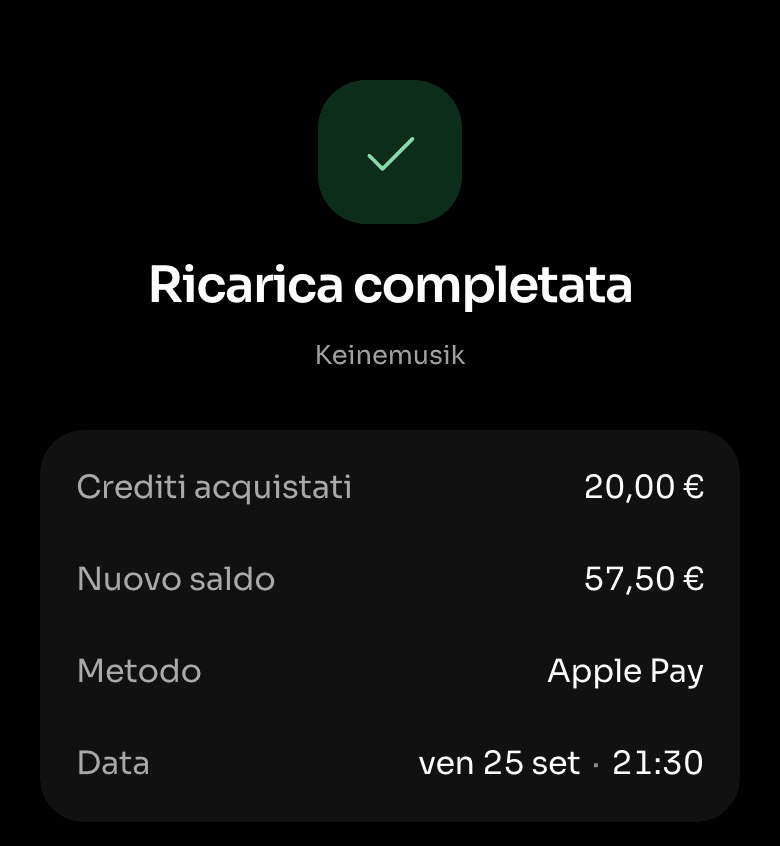
Top up the wallet from home
Credit is loaded in advance, online. You take the money before you even open the gates.
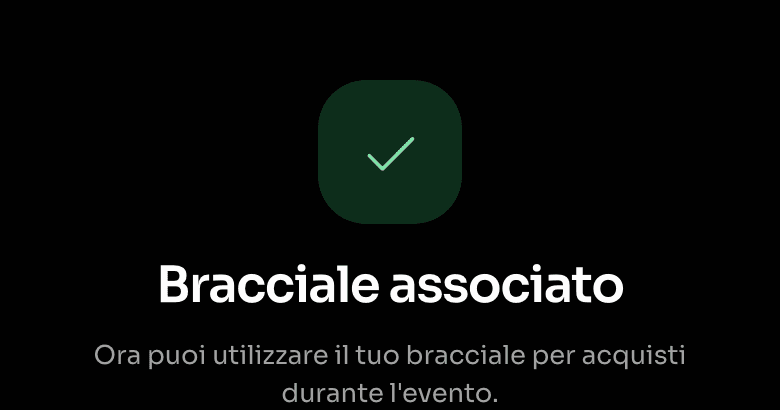
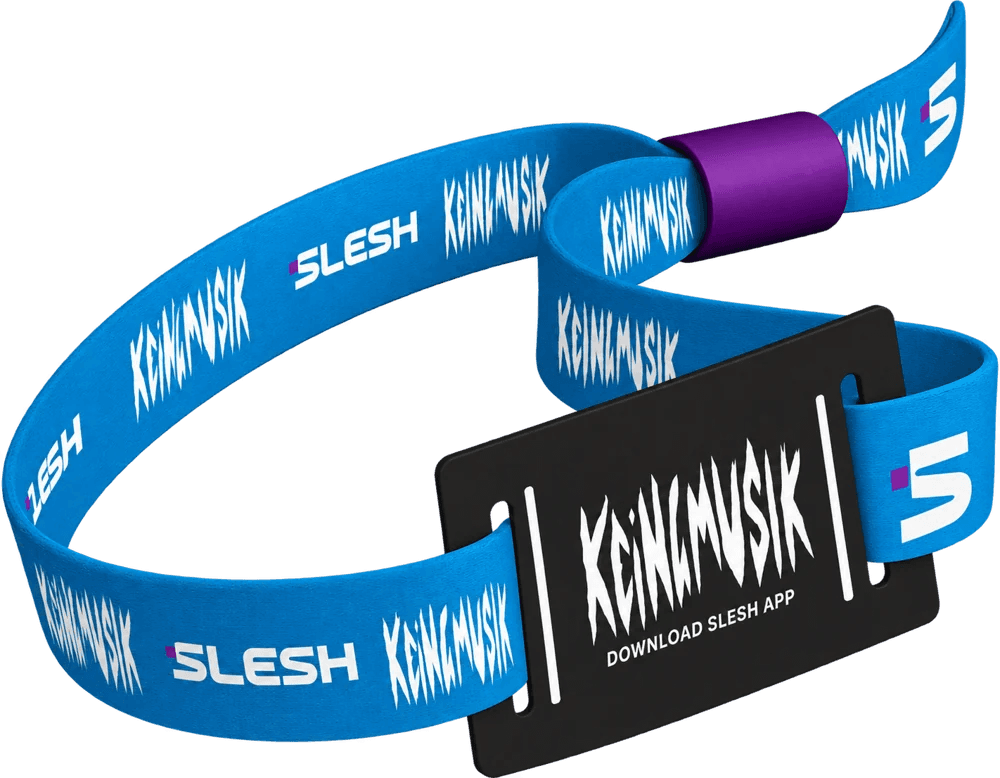
Collect and link the wristband
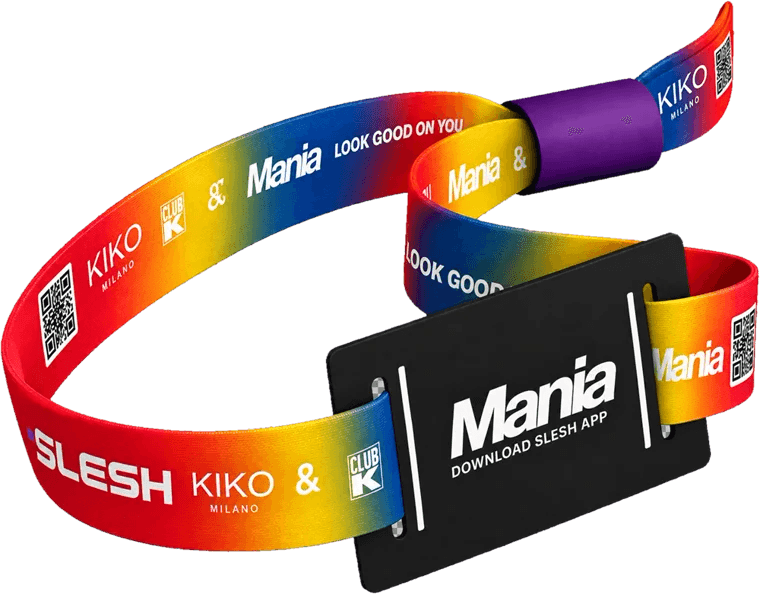
At the entrance, after the ticket is validated, attendees receive the NFC wristband and link it to their account with a tap.
Pay with a tap, then request a refund
Bar, food and merch in under a second per transaction. After the event, leftover credit is recovered through the app.


The event in your pocket, from top-up to refund
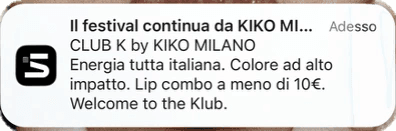
With the official Slesh app, every attendee manages their wallet, wristband and transactions for your cashless event and receives notifications. It’s the same app for every Slesh event.
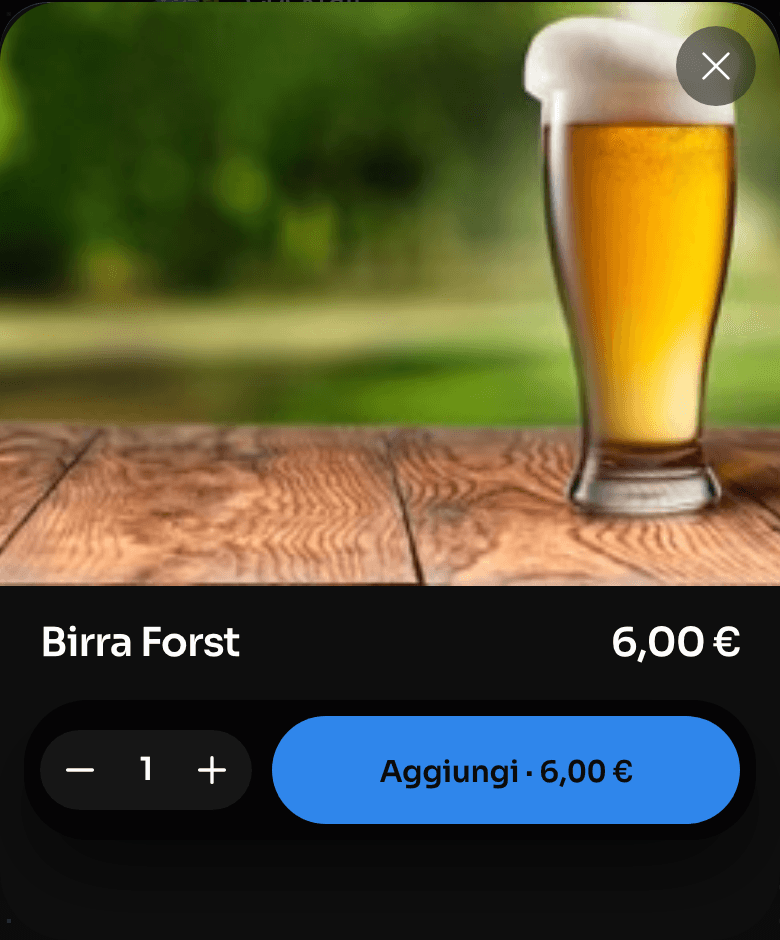
Order from the menu
They see the menu and pick the products they want.
Transparent transactions
Every order and every top-up in chronological order, viewable at any time. The crowd always knows how much they’ve spent and how much is left.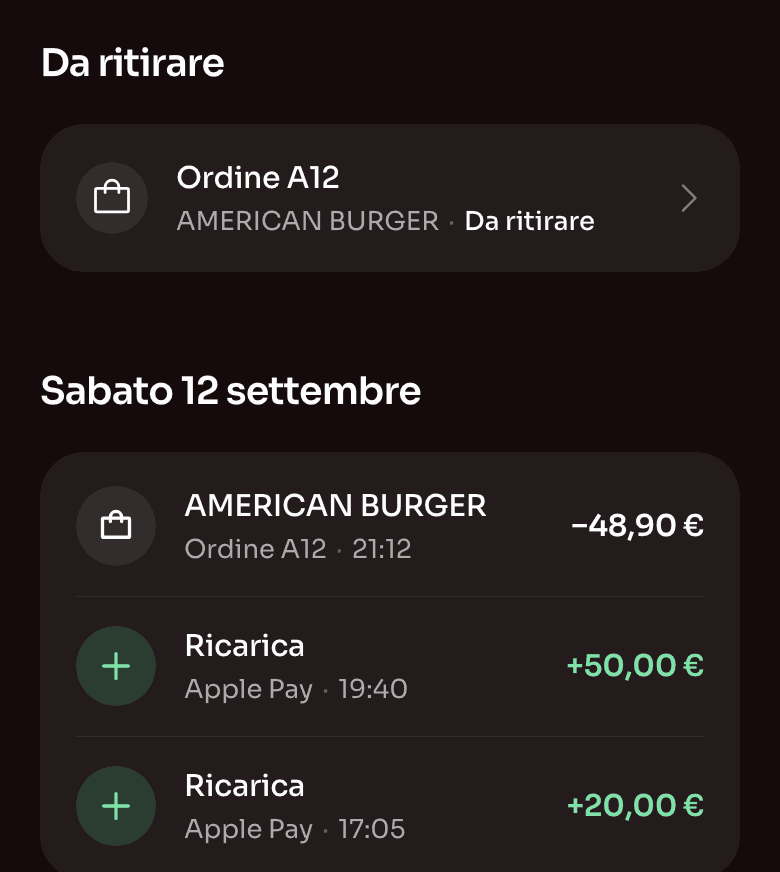
Credit refunds in a few clicks
After the event, the app works out the refund amount automatically.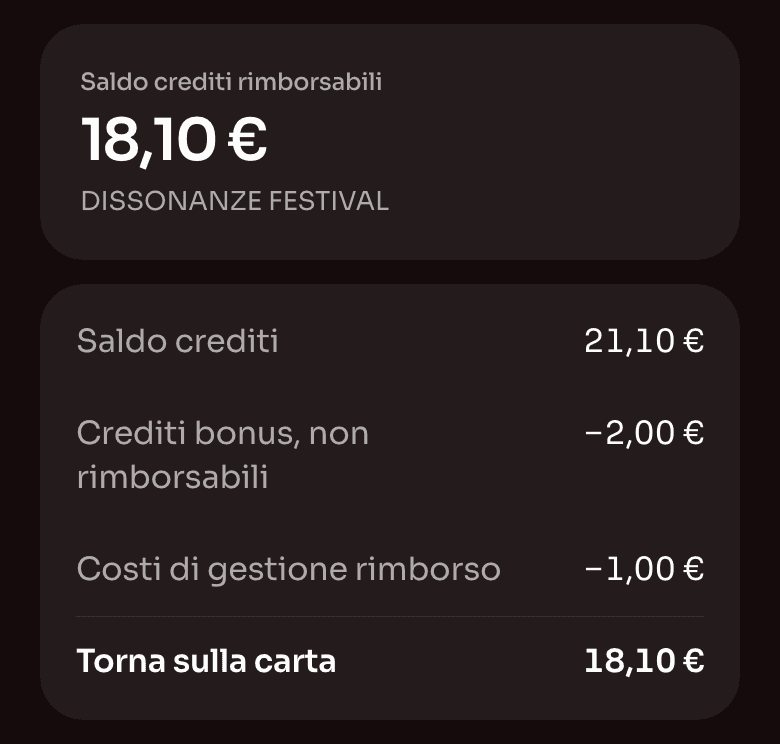


Why the app matters for you too
The app is designed for your audience and connected to your dashboard: every top-up, purchase and refund ends up there.
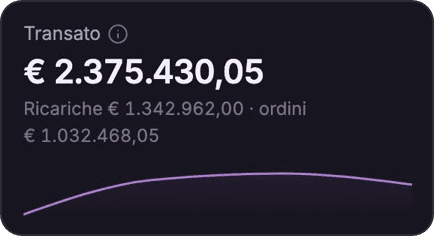
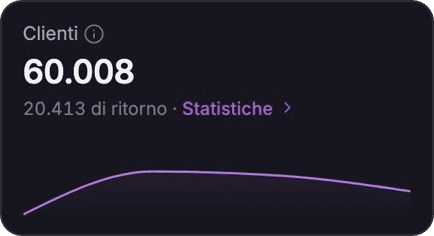
Know who’s there, what they buy, and when
Advanced user data and statistics, linked to sales and points of sale. Profile your crowd and plan the next edition better.Explore the Dashboard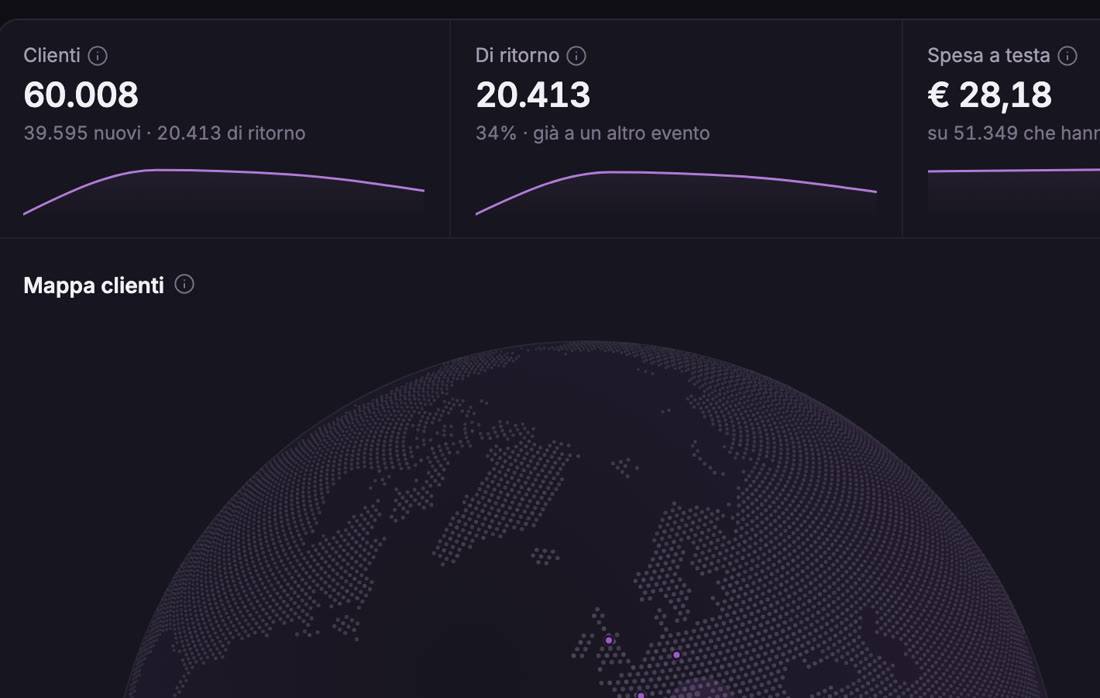
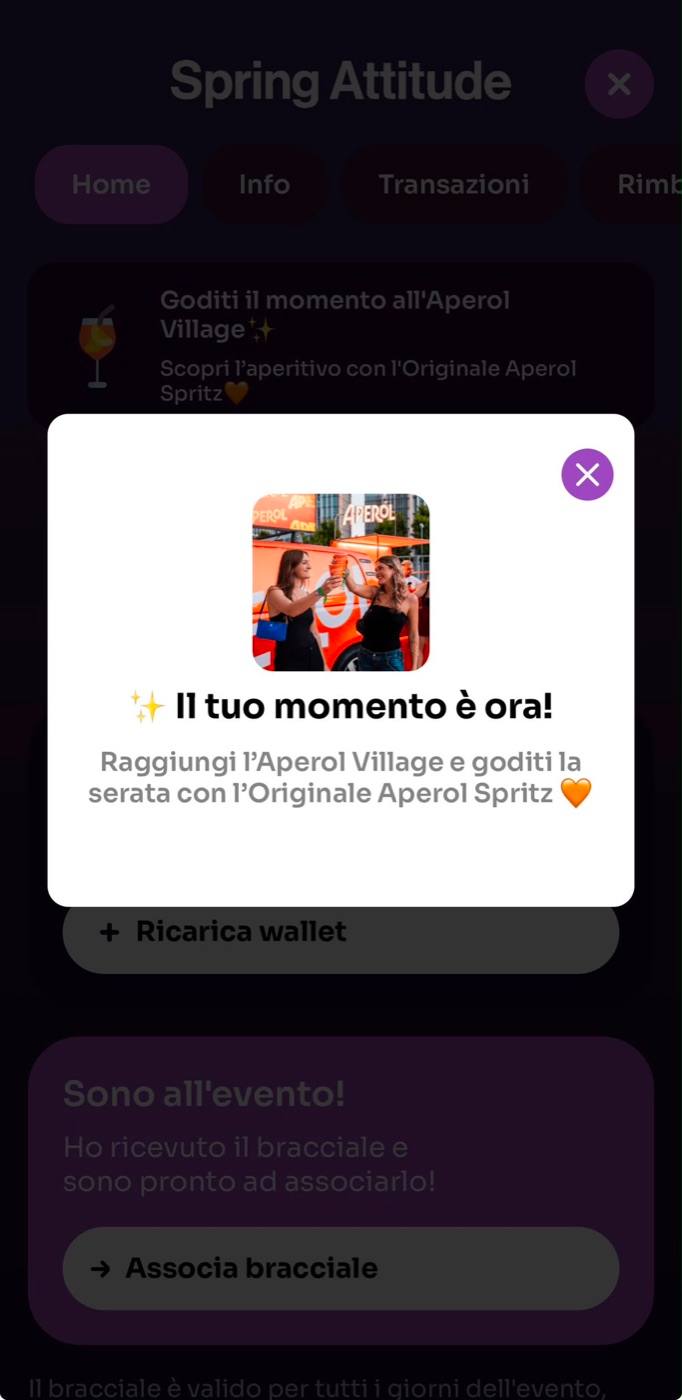
In-app spaces for your partners
The app becomes one more channel to offer your sponsors, next to the branded NFC wristband.Discover sponsorships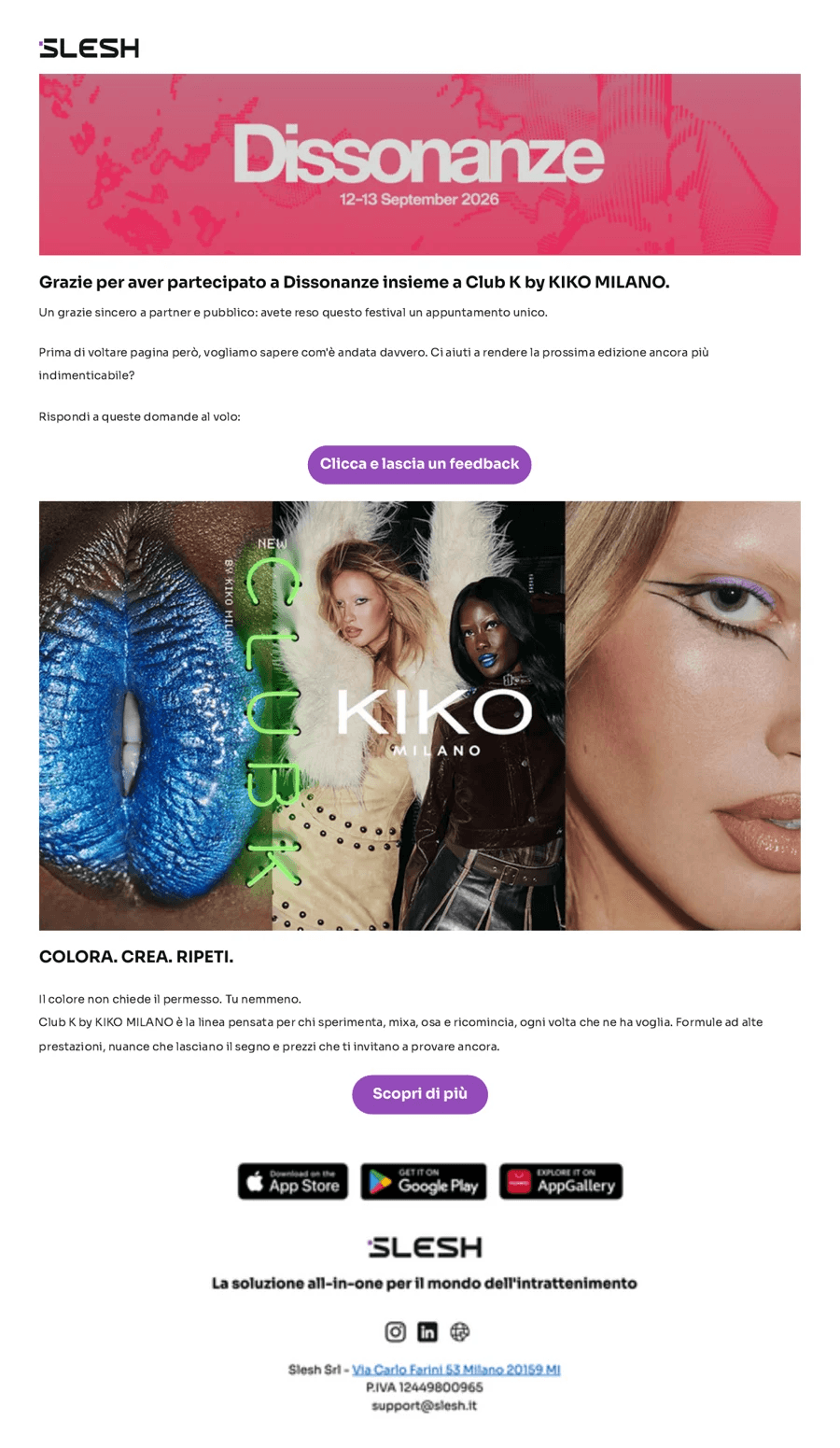


More solutions
Pre-sales under control
Explore ticketingNew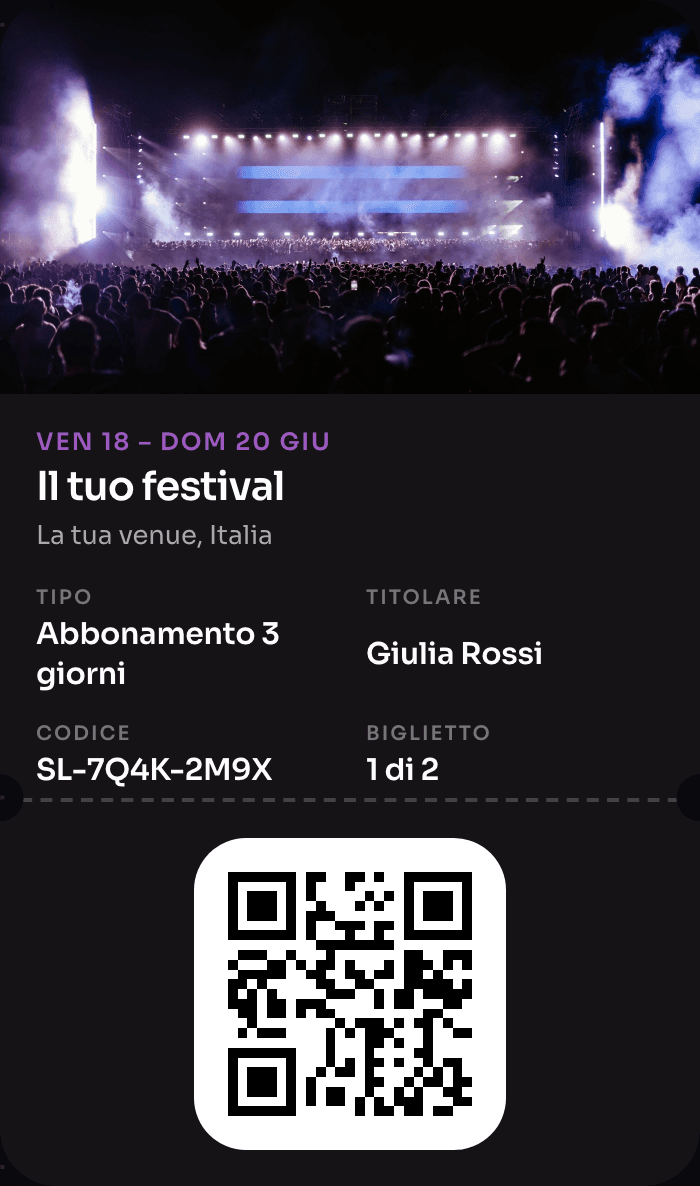
The wristband that pays, opens doors and rewards
Explore NFC Cashless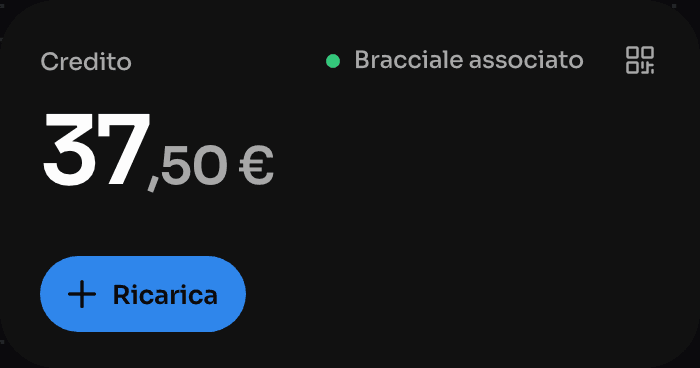
Order from the QR, skip the queue
Explore Order & PayOne device instead of four
Explore the till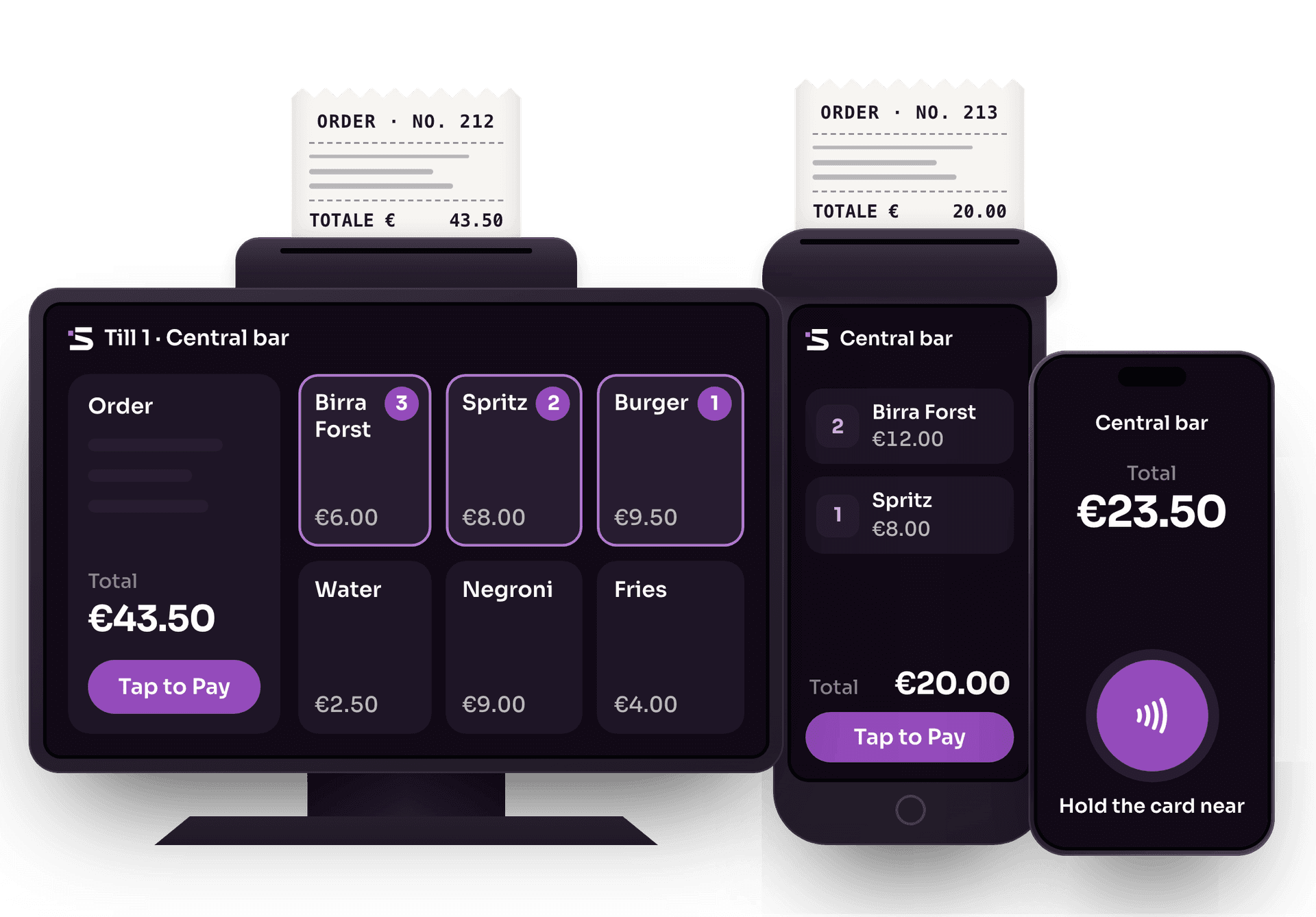
Cards and wallets, no external card terminals
Explore Tap to PayThe whole event on one screen
Explore the Dashboard
Guestlist, without spreadsheets
Explore Guestlist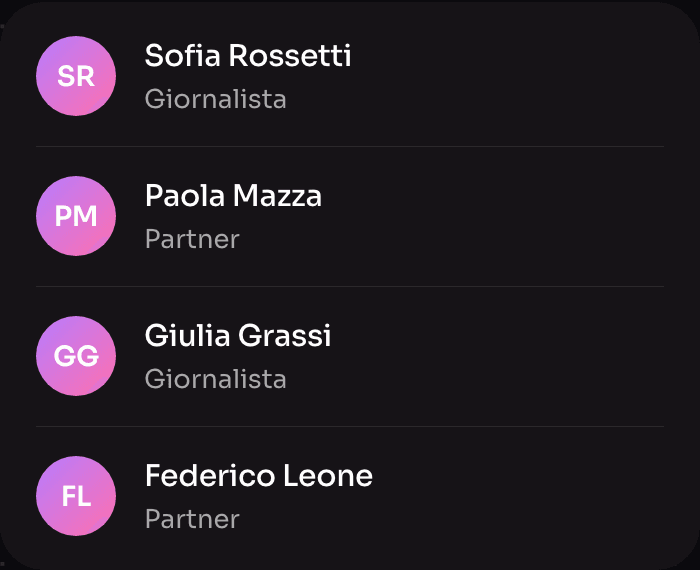


Frequently asked questions about the Slesh app
Download, top-ups, wristband and refunds.
Where do I download the Slesh app?
The Slesh app is free on the App Store, Google Play and AppGallery. With the app you top up your wallet and move the balance to your wristband to pay inside the event.
Does the system also work offline?
Yes. Thanks to Slesh’s proprietary technology, wristband payments work even completely offline: transactions are saved and synced as soon as the connection returns.
How do leftover credit refunds work?
In the app, attendees who have topped up their wallet request a refund themselves, according to the policy set by the organiser. Once the wristband is linked, the amount to refund is calculated automatically.
Can the wristband be used without downloading the app?
Yes. Those who don’t want to download the app can top up the wristband at the till, in cash or by card, and use it as normal. To request a refund of leftover credit, however, the wristband must be linked to the app.
What app data can the organiser see?
Top-ups, orders and refunds are synced with the Slesh system and the organiser dashboard: you see takings, best-selling products and point-of-sale performance in real time, and you can communicate with the crowd via notifications.
How do I top up my wallet?
Open the app, go to the event you’re attending, tap “Add” and choose the amount to top up. You can pay by credit card, Apple Pay or Google Pay.
How do I pay with the cashless wristband?
Just hold your wristband near the reader at the event’s points of sale: the amount is automatically deducted from your available credit.

Your event, on every attendee’s device
Advance top-ups, notifications and in-app refunds. Free demo; we’ll get back to you as soon as possible.