Order & Pay from a QR code: the queue-skipper for events
Attendees order and pay from their own device, then collect at the counter. You handle more orders in less time and shorten queues, with no extra hardware.


More than 100 events have already chosen Slesh


What the customer does, in four steps

Scan the QR code
The customer scans the QR code placed near the tills or around the event.
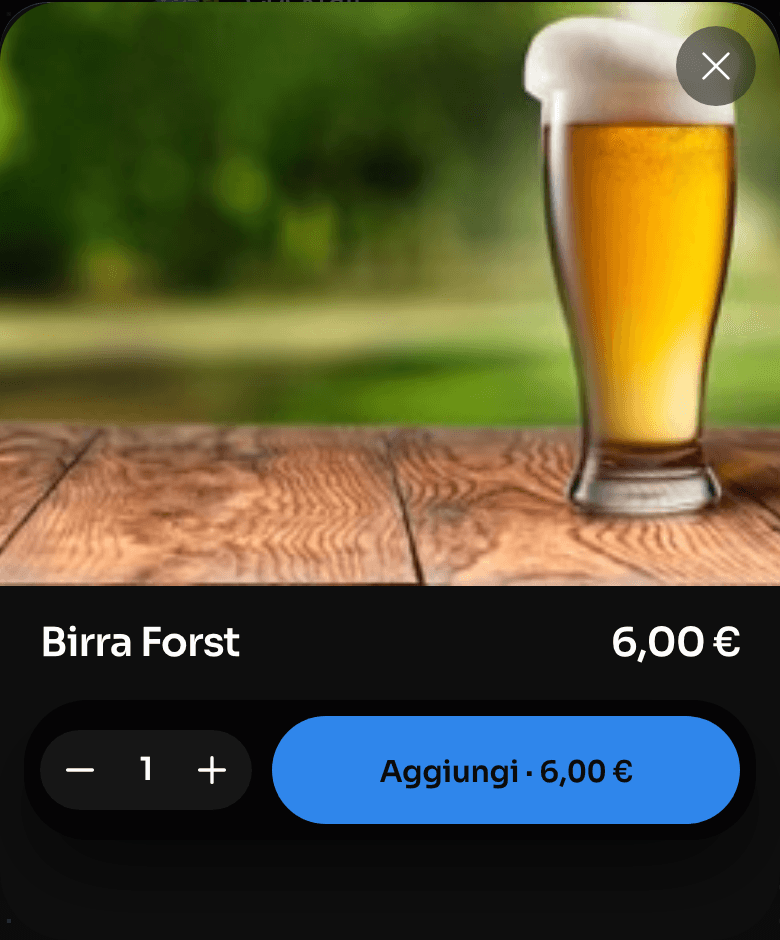
Browse the menu
They see the menu and choose the products they like. With upsell suggestions, the order grows by itself.
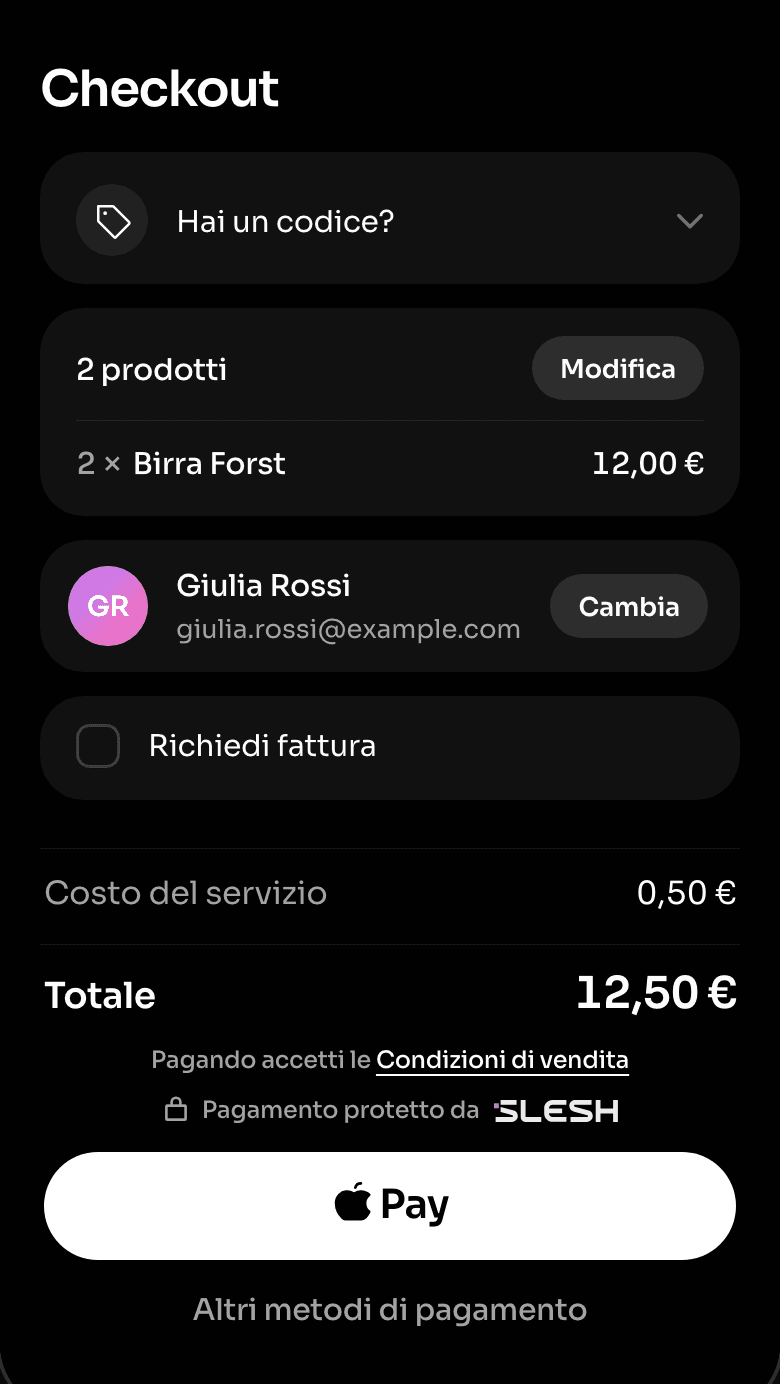
Pay at checkout
In one click, with their preferred method: Apple Pay, Google Pay or credit card.
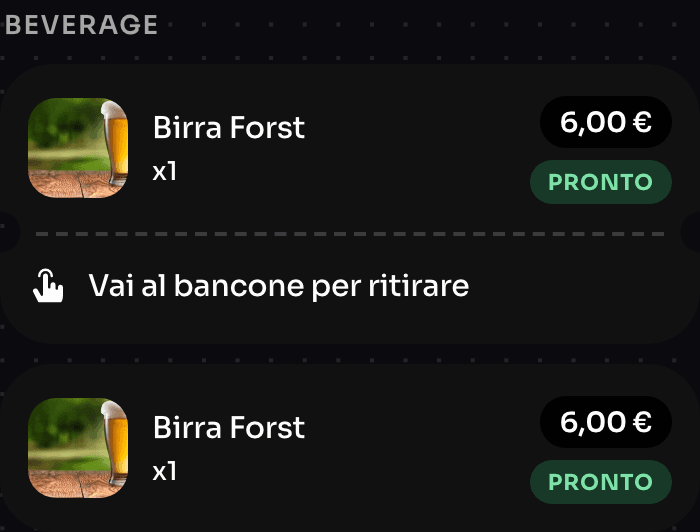
One-click collection
At the counter they show the ticket on their device to the staff member and collect the product.


No hardware needed: the customer’s device is enough
No extra tills to rent for the peaks. Customers order from their device, your staff prepare and hand over.
Real-time statistics
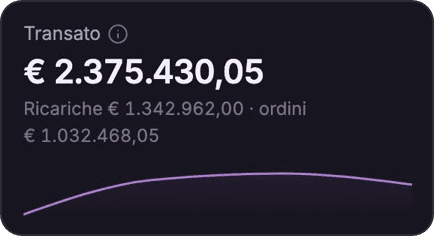
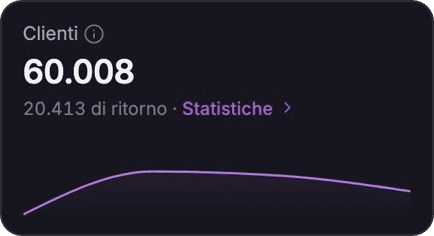
Live updates with summary and detailed data: orders by point of sale, best-selling products, peak times.Explore the Dashboard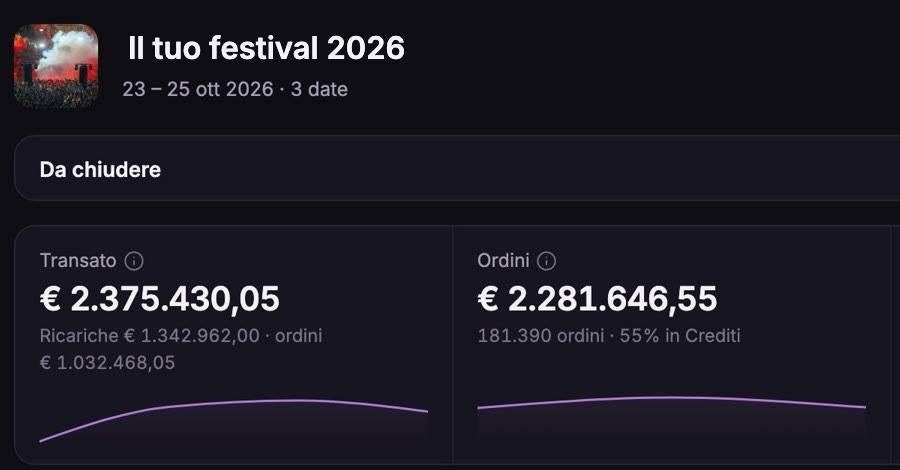
A single dashboard
Follow orders, payments and points of sale from the same panel while the event is under way.


Just ask the AI assistant
In the Slesh dashboard you ask for your event’s numbers, or ask it to create or change products, menus, tickets and staff. The assistant prepares the change and only makes it after your OK.
More solutions
Pre-sales under control
Explore ticketingNew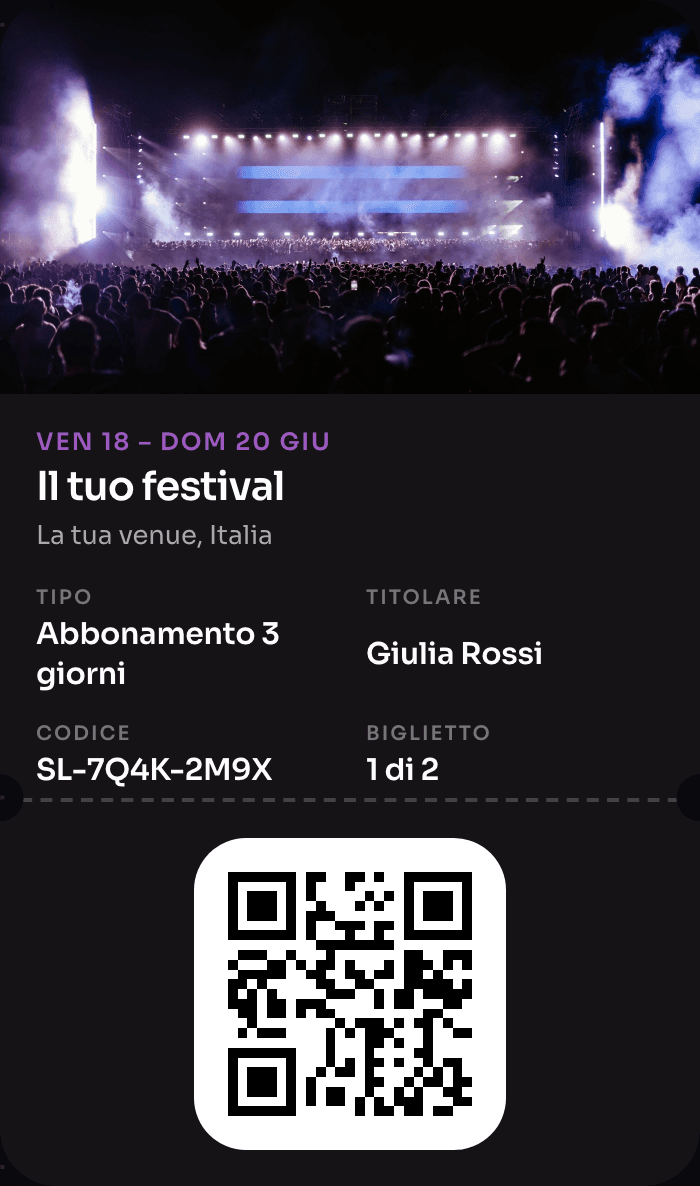
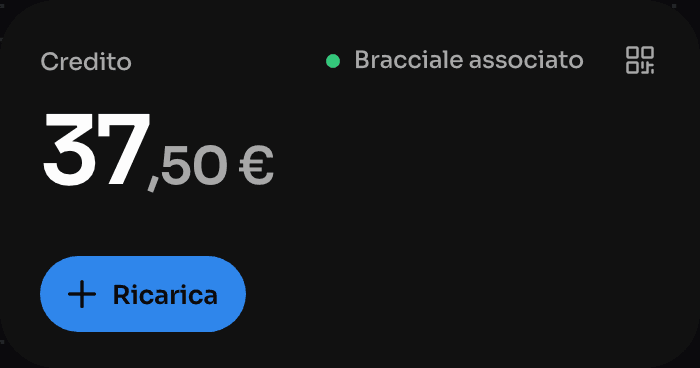
The wristband that pays, opens doors and rewards
Explore NFC Cashless
One device instead of four
Explore the till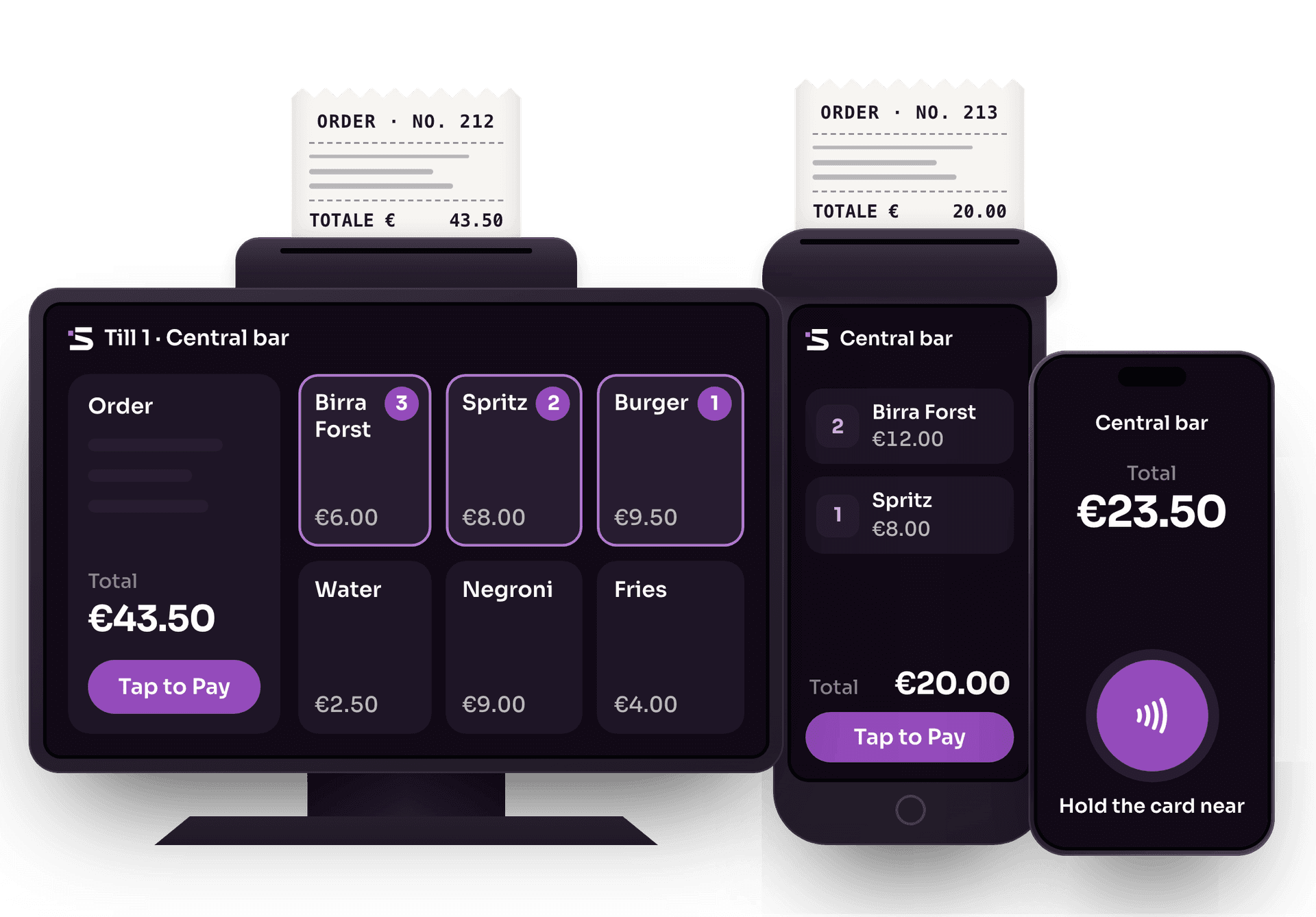
Cards and wallets, no external card terminals
Explore Tap to PayThe whole event on one screen
Explore the DashboardThe app for cashless events
Explore the Slesh app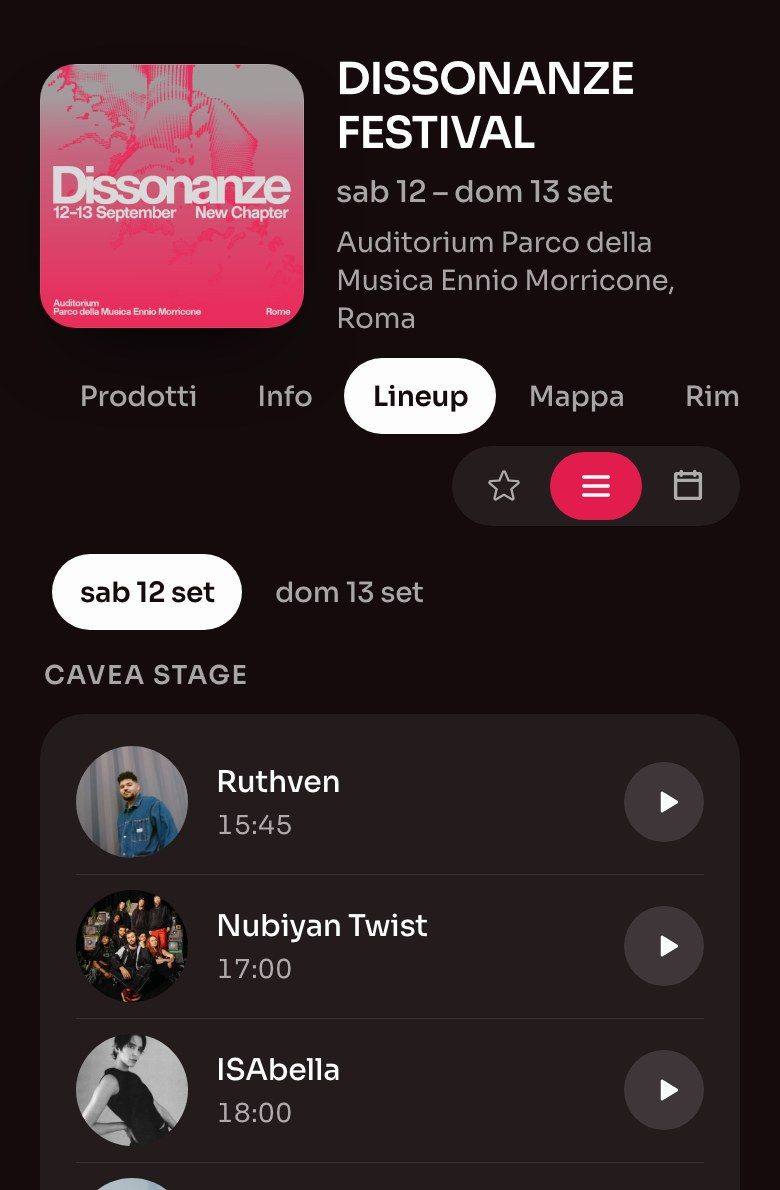
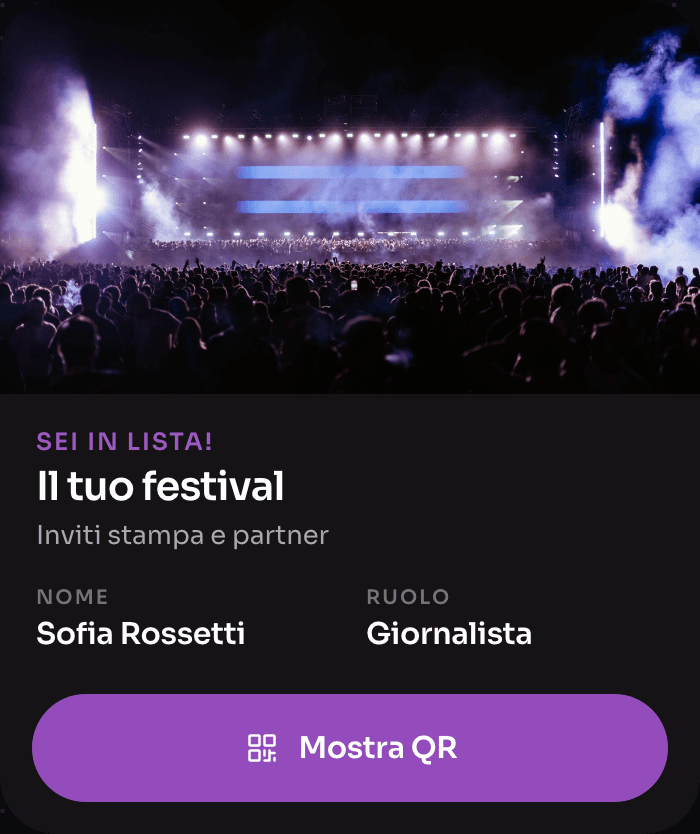
Guestlist, without spreadsheets
Explore Guestlist


Frequently asked questions about Order & Pay
QR orders, payments and receipts.
How does QR code ordering at events work?
The customer scans the QR code near the tills or around the event, chooses products from the menu and pays at checkout. Then they show the collection ticket at the bar counter and collect the product: staff or the customer close the ticket with one click.
Does Order & Pay need dedicated hardware?
No. The customer’s device is all it takes to order: you don’t need to rent extra tills or terminals to handle QR orders.
How do customers pay?
In one click, with their preferred method: Apple Pay, Google Pay or credit card.
Does Order & Pay really increase takings?
Yes. With payment from the device and queues cut by up to 70%, sales grow by up to 20% and average spend by up to 30%, thanks also to upsell suggestions in the menu.
Can I use it together with cashless wristbands or the fiscal POS?
Yes. Slesh is a modular, hybrid platform: you can activate Order & Pay alone or combine it with the fiscal POS and cashless wristbands, depending on the size, budget and logistics of your event.
How are tax receipts issued?
Automatically: every transaction generates a tax receipt and the platform sends daily takings to the Italian Revenue Agency, with no manual steps for staff.

Cut the queue at the bar counter
We’ll show you Order & Pay set up with your menu. We’ll get back to you as soon as possible.