You pay with your wristband. Here’s how it works
At Slesh events you pay for food and drinks with a tap of your wristband, without cash and with less queuing; you can always see your balance in the app.


How to pay with your cashless wristband, in 5 steps
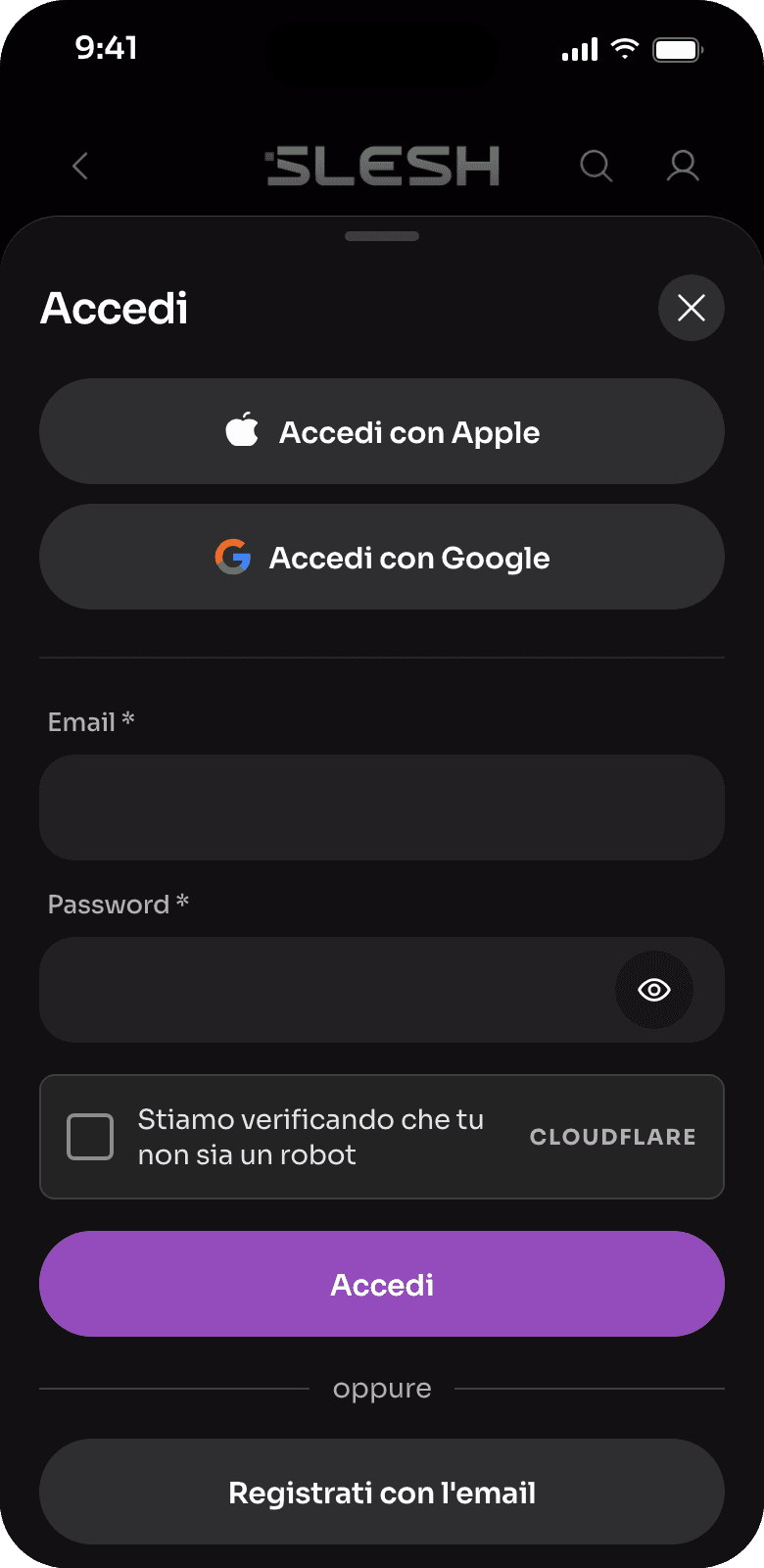
Download the app and create your account
The Slesh app is free on the App Store, Google Play and AppGallery.
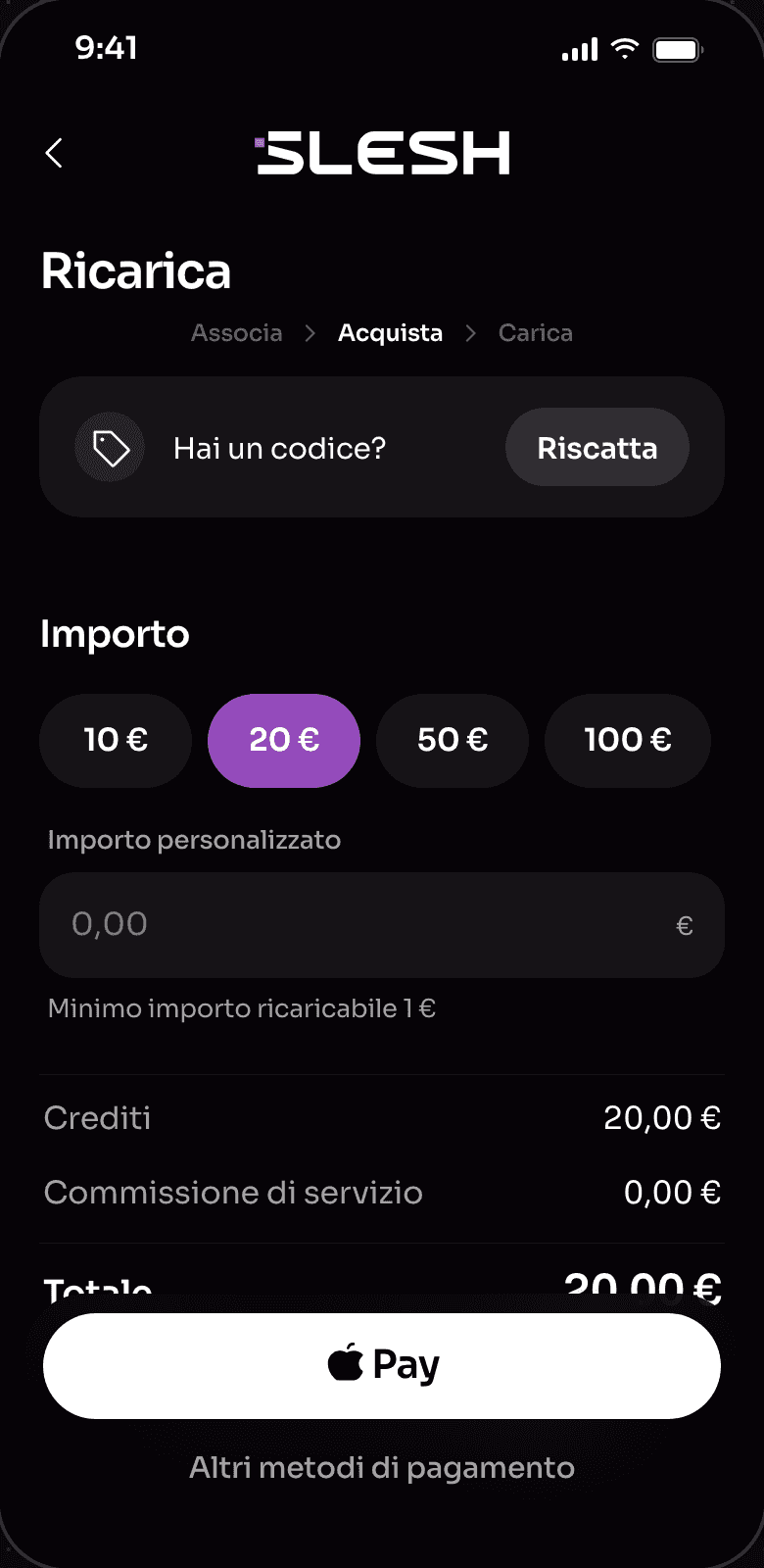
Top up your wallet, even before the event
By card, Apple Pay or Google Pay: arrive with your credit ready and skip the queue.
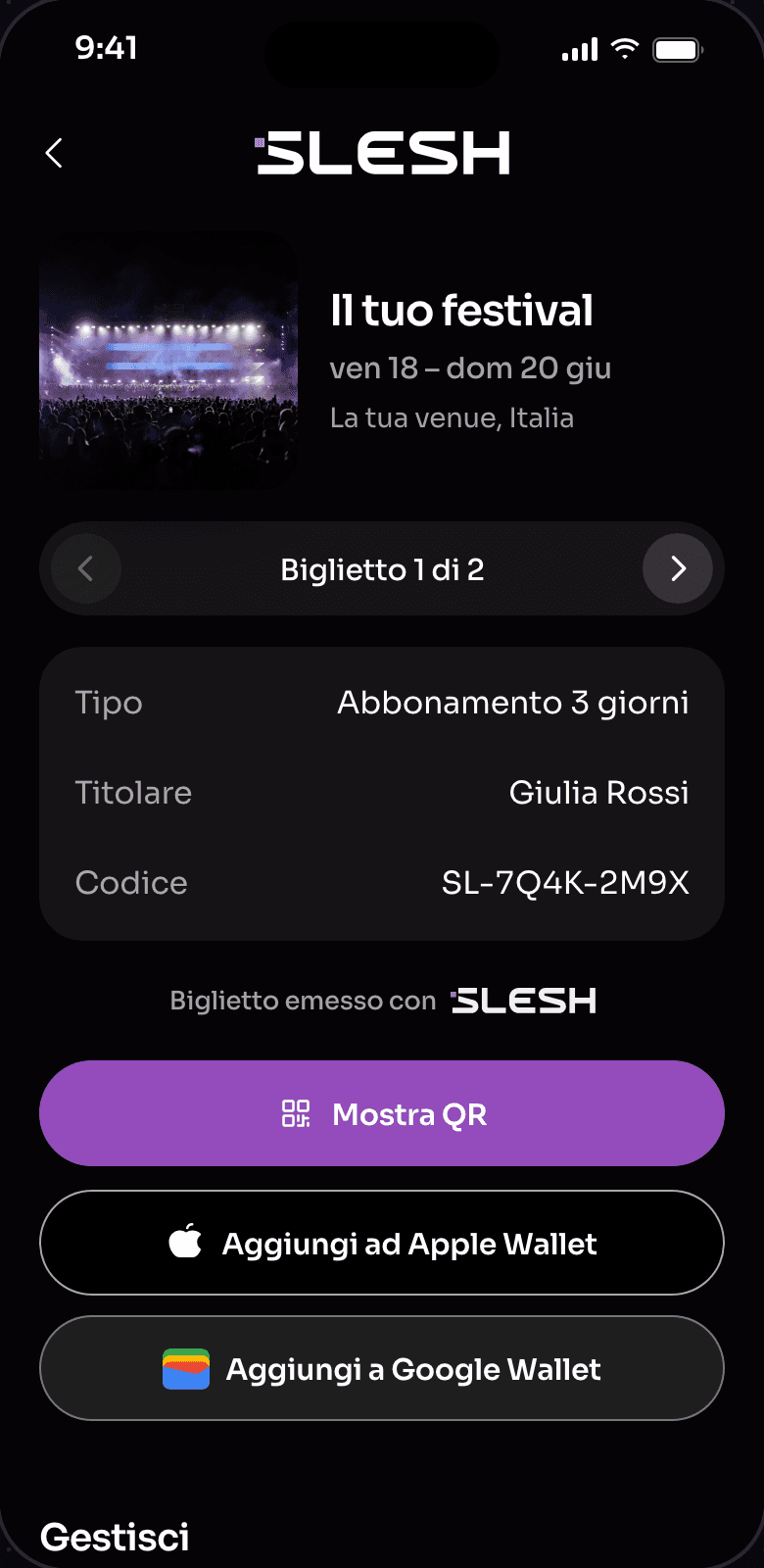
Collect your wristband at the entrance
It’s handed to you free of charge after your ticket is checked.
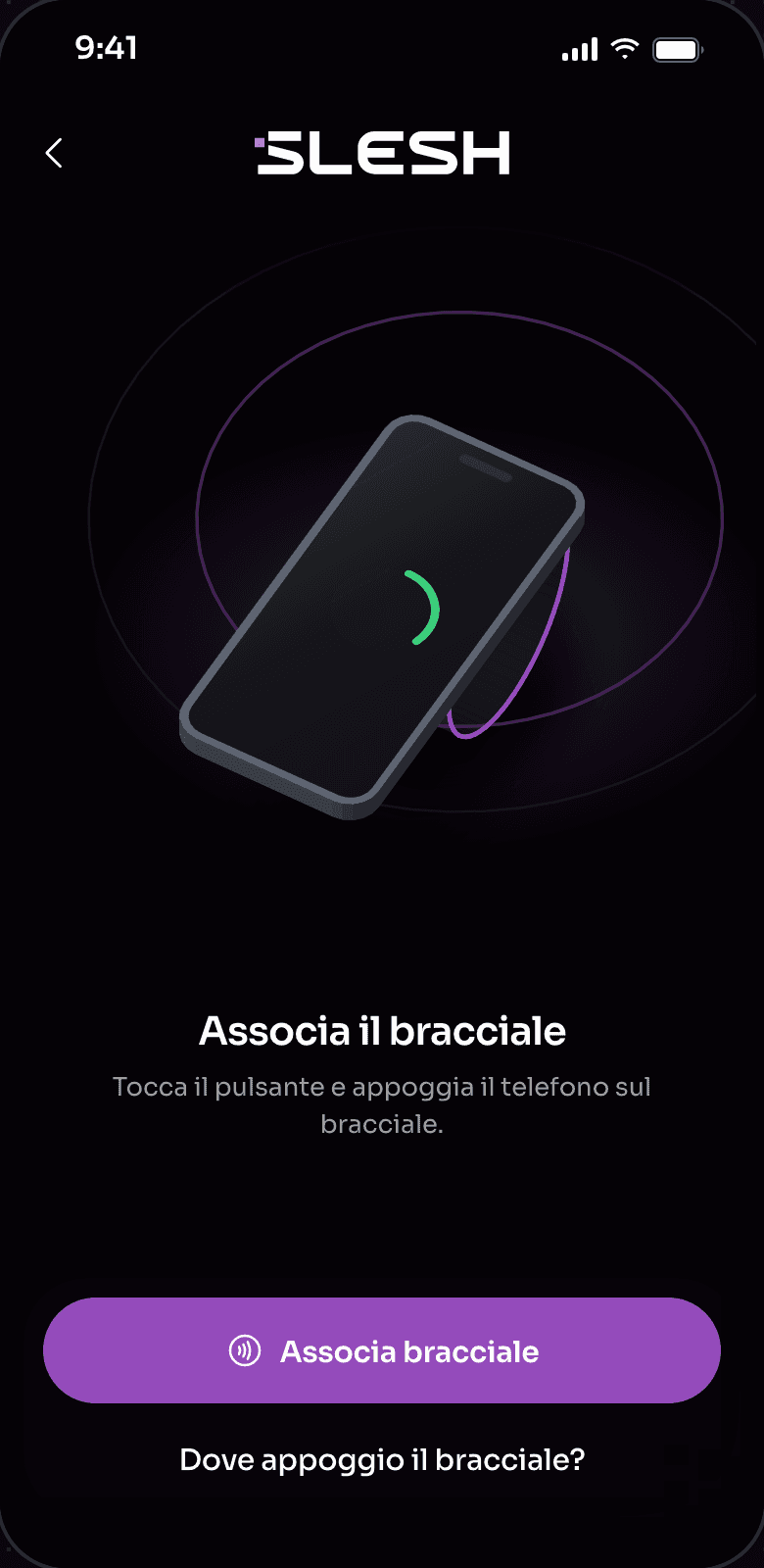
Link your wristband and transfer your credit
In the app, tap “Link wristband”, then “Transfer credits”.
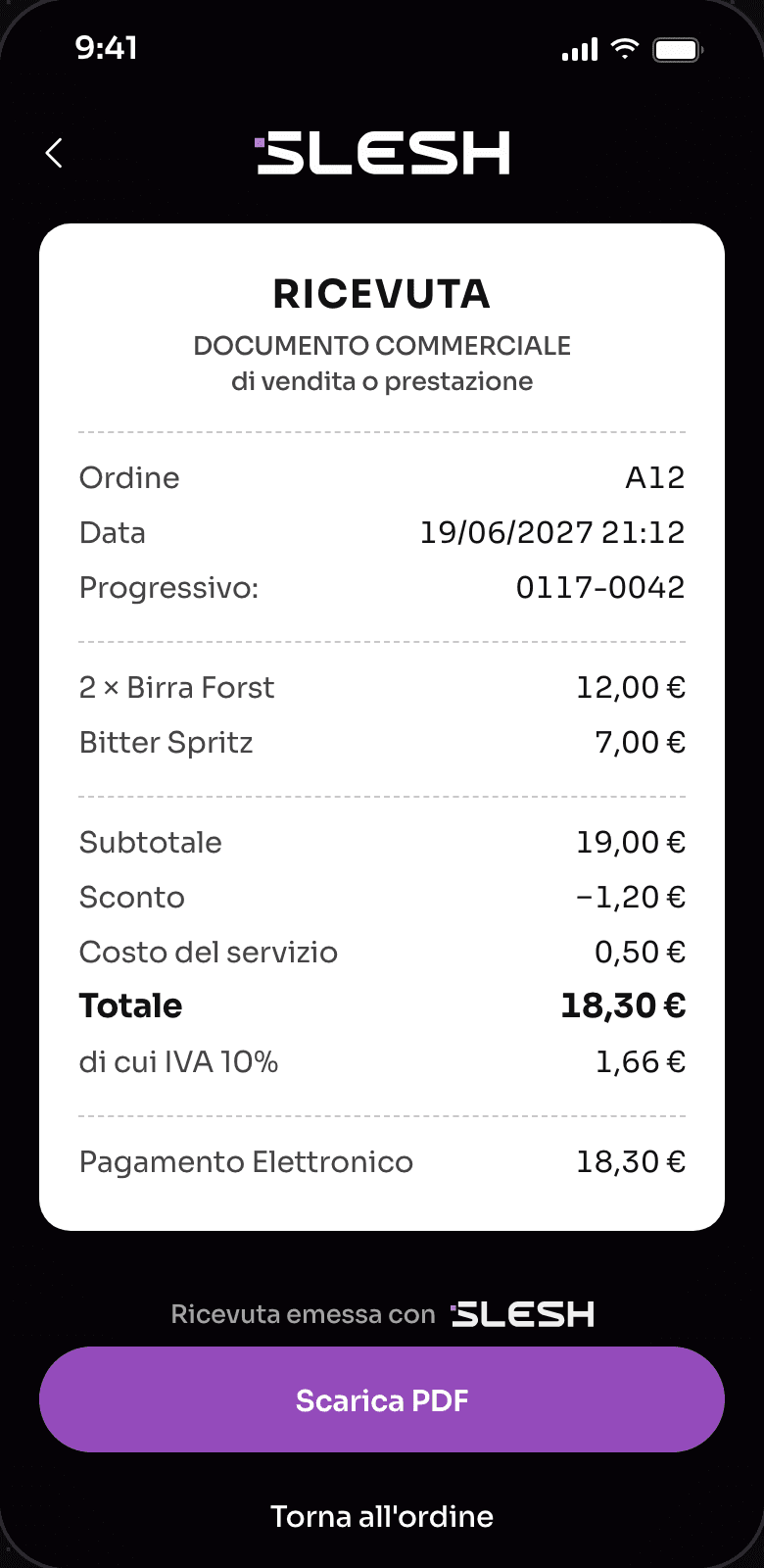
Pay with a tap
Hold your wristband near the reader at any point of sale and you’ve paid.


Two ways to top up
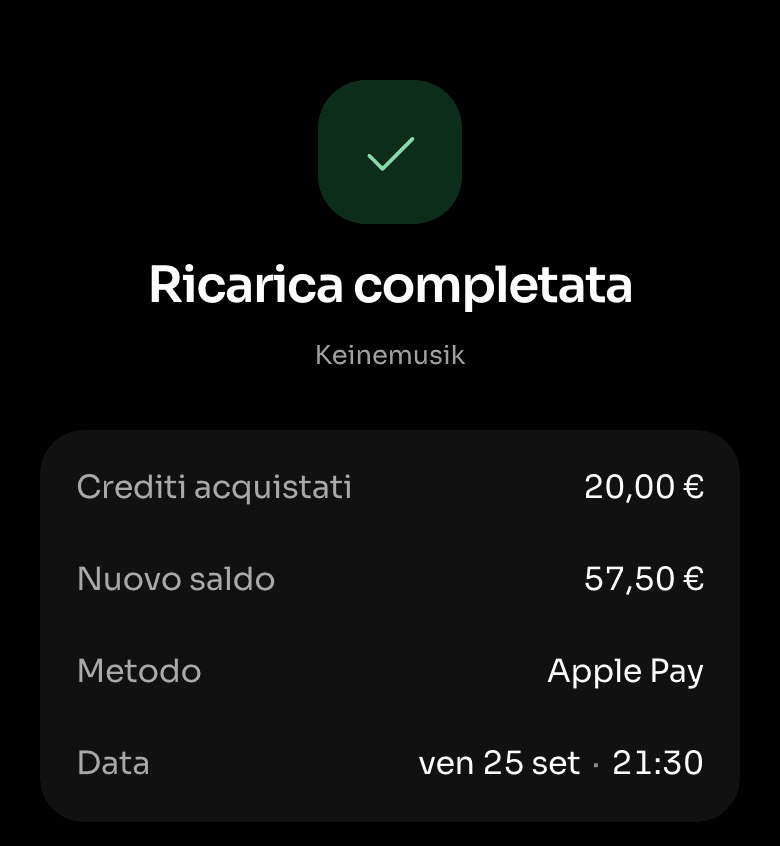
In the app, even before the event
Open the Slesh app, go to your event, tap “Add” and choose the amount. Pay by credit card, Apple Pay or Google Pay.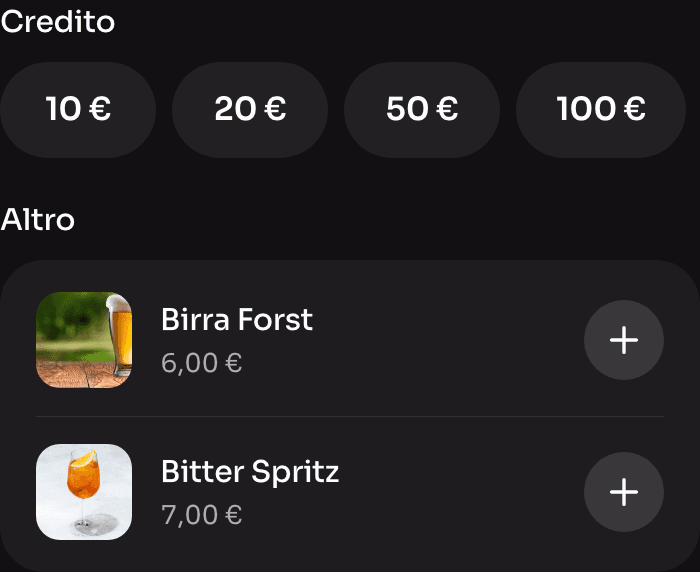
At the till, at the event
If you’d rather not download the app, top up with cash or card at the event’s top-up points. The system works even without internet.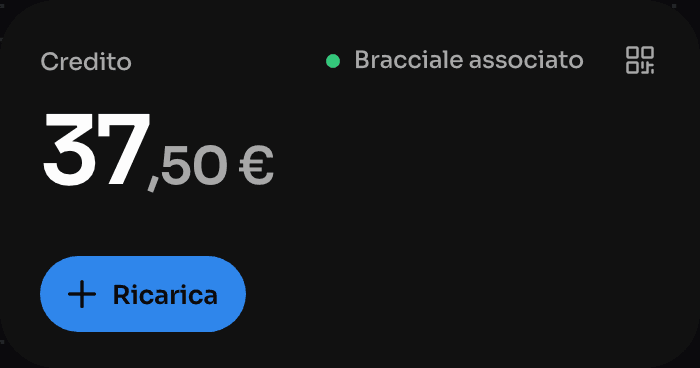


Got credit left over? Request a refund in the app
- Open the Slesh app
- Sign in with the account you used at the event.
- Select your event
- On the event page you’ll find the wallet and the refund options set by the organiser.
- Link your wristband, if you haven’t already
- This is essential if you topped up at the till, without the app.
- Open the refunds section
- You’ll find it when the event’s refund window is open.
- Send the request
- Check the conditions, enter your details and confirm. The refund follows the timing set by the event.
Conditions, refund window and timing depend on the event organiser: you’ll find them on the event page in the app.

You can buy tickets in the app too
In the Slesh app you can also buy event tickets. After you buy, you’ll find them in your account, with the QR code to show at the entrance.


Frequently asked questions about cashless at events
Where do I download the Slesh app?
The Slesh app is free on the App Store, Google Play and AppGallery. With the app you top up your wallet and move the balance to your wristband to pay inside the event.
How do I top up my wallet?
Open the app, go to the event you’re attending, tap “Add” and choose how much to top up. You can pay by credit card, Apple Pay or Google Pay. We recommend topping up before the event to avoid the queues.
How do I link my wristband?
Open the app, go to your event, tap “Link wristband” and follow the on-screen instructions.
Can I top up without downloading the app?
Yes, you can top up with cash or card at the event’s top-up points. The system works even without internet. To request a refund of your leftover credit, however, you’ll need to download the app and link your wristband.
What happens if I lose my wristband?
Follow the event organiser’s instructions or contact Slesh support from the section below.
Can I get back the credit left on my wristband?
Yes, where the event’s conditions allow it, you can request a refund of your leftover credit in the app by following the steps in the Refund section.
Need help with the app or your wristband?
Sign in with the same account you use in the Slesh app.
