Guestlist, without spreadsheets
You, your staff or your partners add names to a single, always up-to-date list, and duplicates are flagged. At the door, scanning the QR code from the wallet or searching for the name is all it takes to let the guest in.

More than 100 events have already chosen Slesh


From invite to entry, in three steps
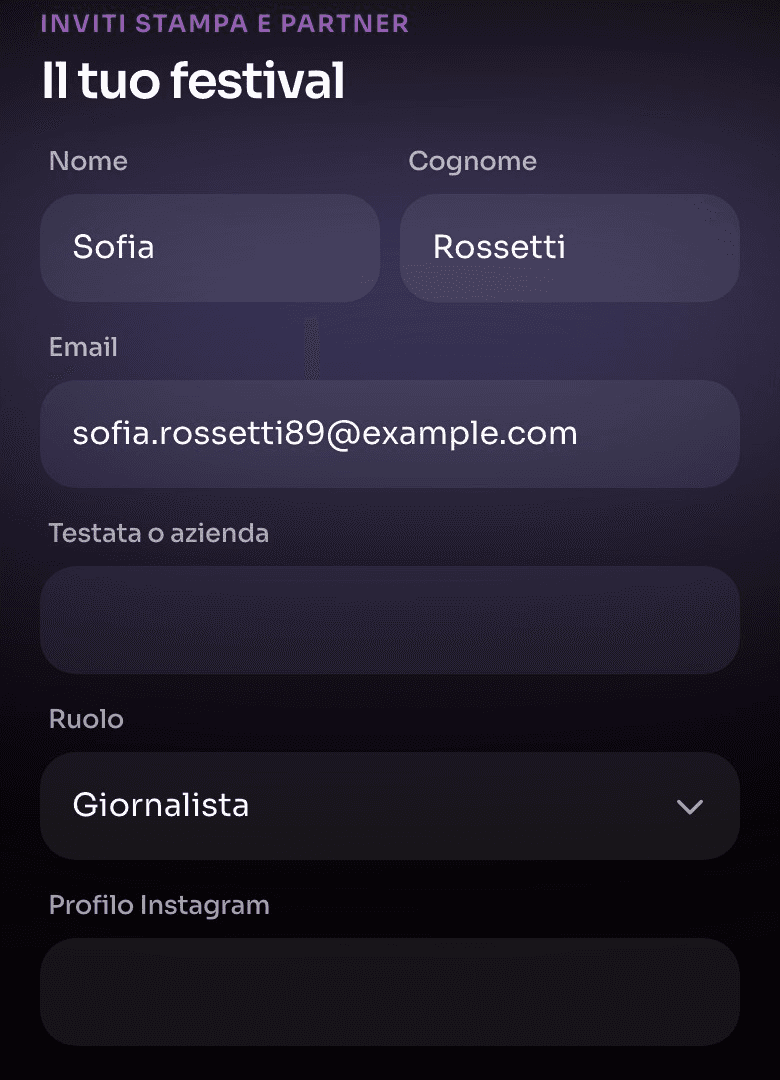
You create the invite
Pick the event and the questions for your guests: open answer, multiple choice or yes/no.
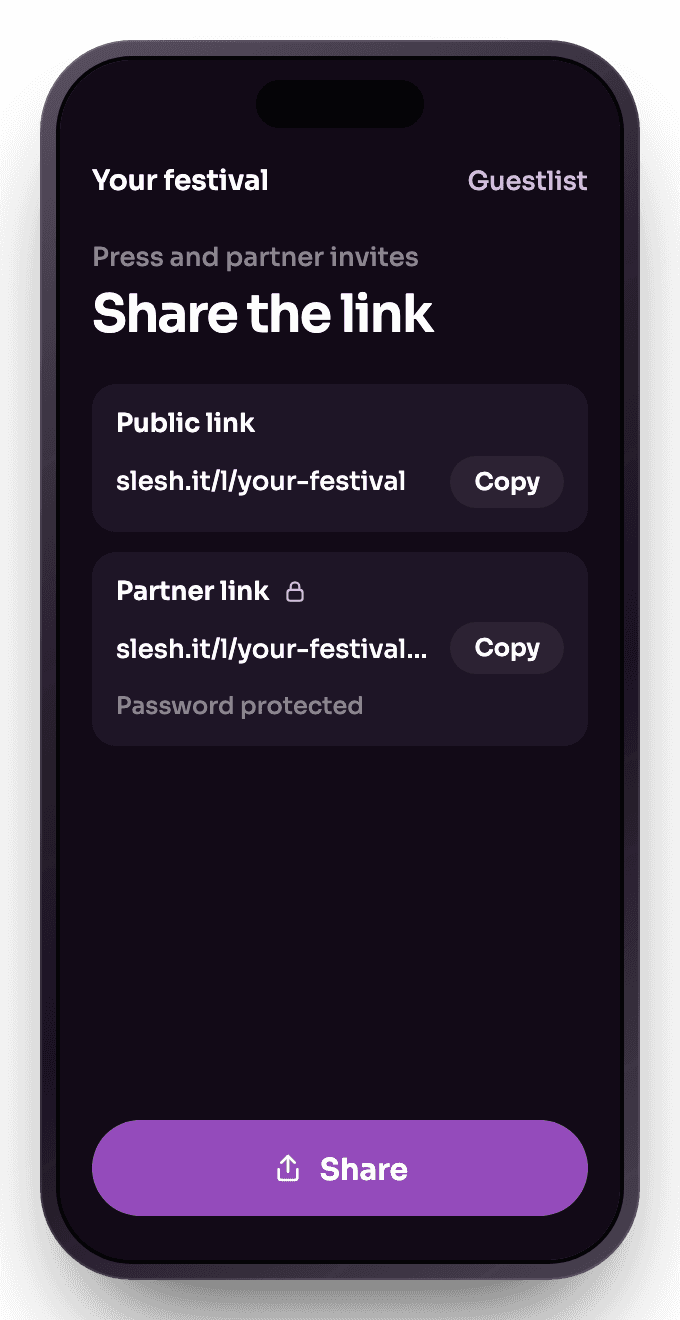
Share the link
Send the public link to the people you want to invite. Partners get a dedicated, password-protected link to add their own guests.
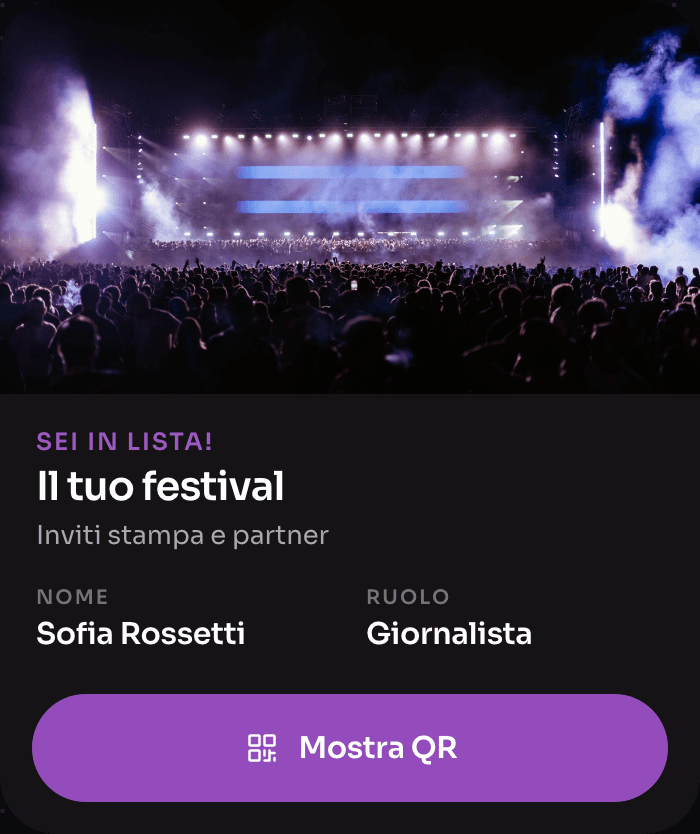
The pass in the wallet
Approved guests save the pass to Apple Wallet or Google Wallet. At the entrance they just show the QR code.


Just ask the AI assistant
In the Slesh dashboard you ask for your event’s numbers, or ask it to create or change products, menus, tickets and staff. The assistant prepares the change and only makes it after your OK.
More solutions
Pre-sales under control
Explore ticketingNew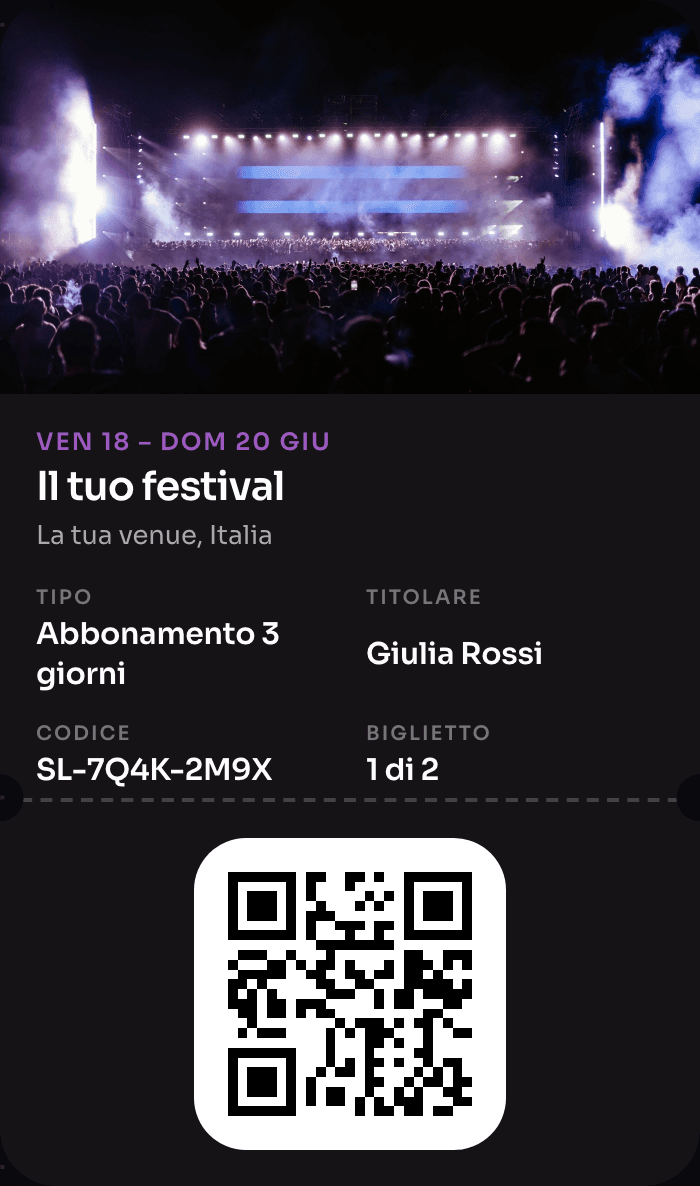
The wristband that pays, opens doors and rewards
Explore NFC Cashless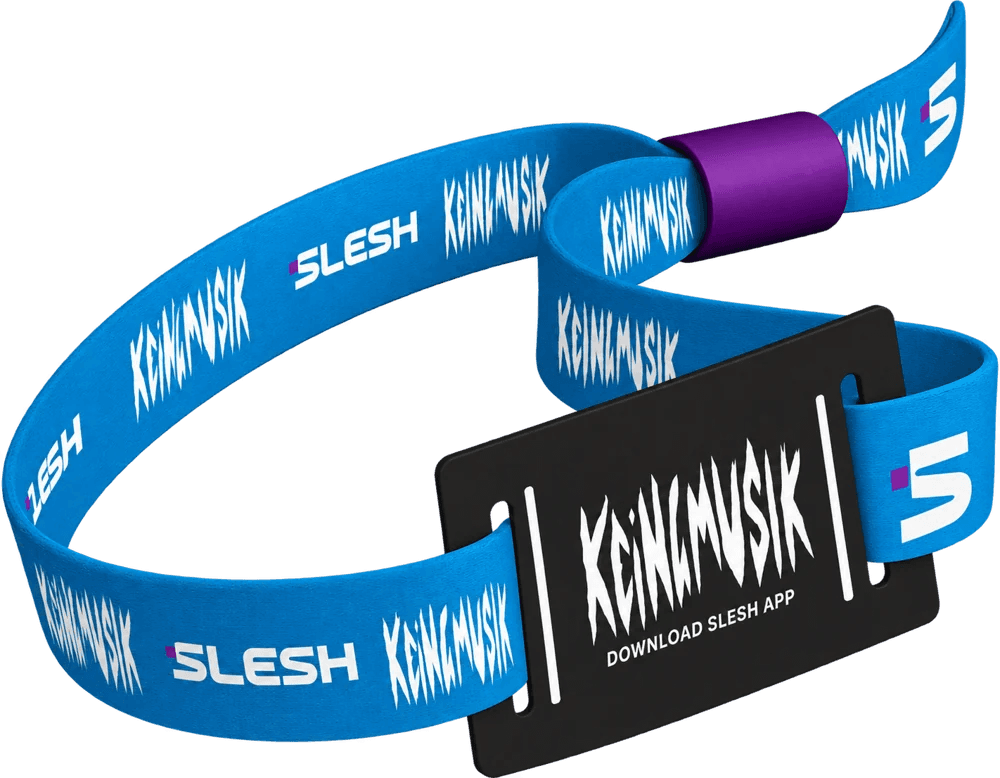
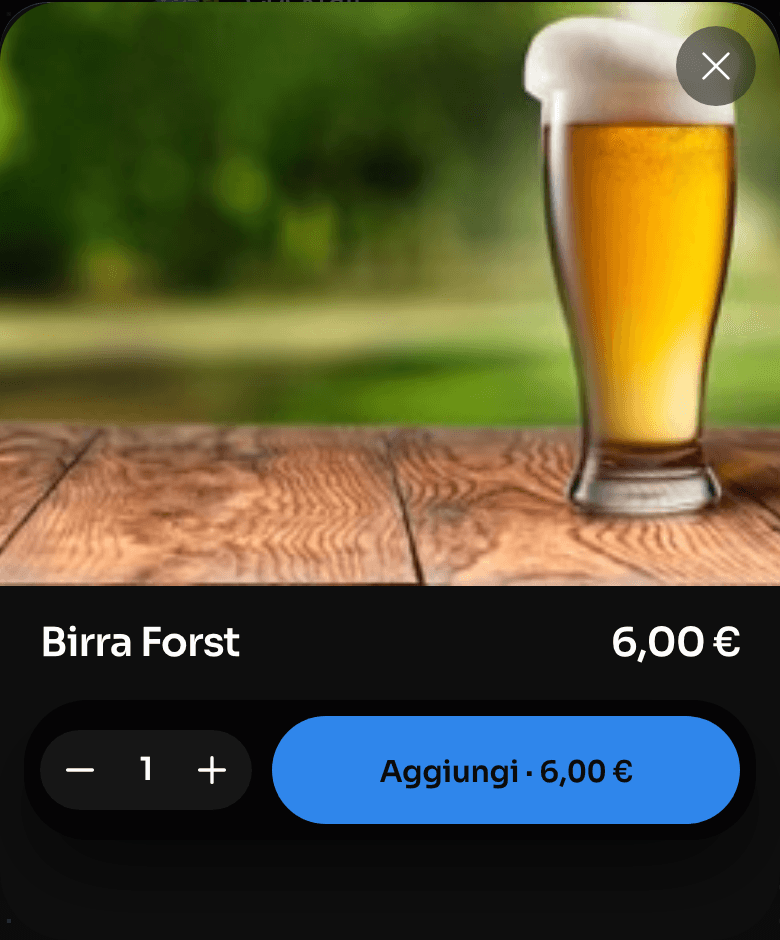
Order from the QR, skip the queue
Explore Order & Pay
One device instead of four
Explore the till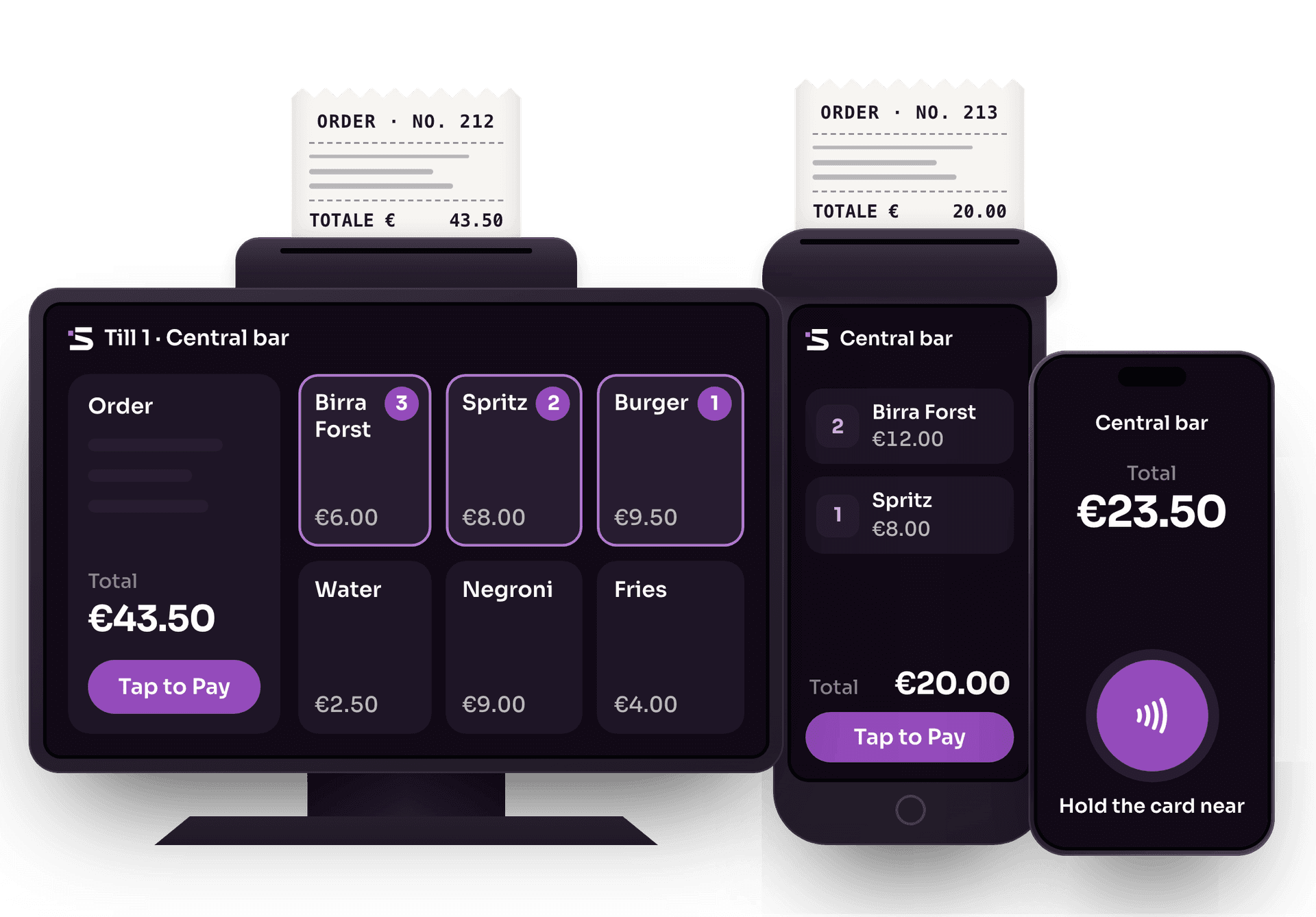
Cards and wallets, no external card terminals
Explore Tap to PayThe whole event on one screen
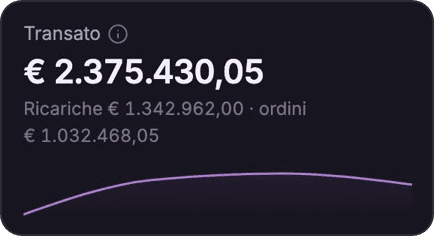
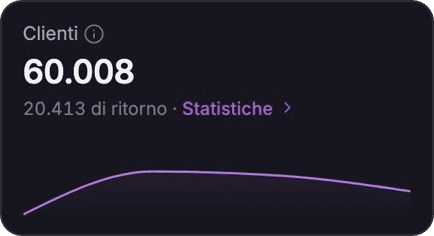
Explore the Dashboard
The app for cashless events
Explore the Slesh app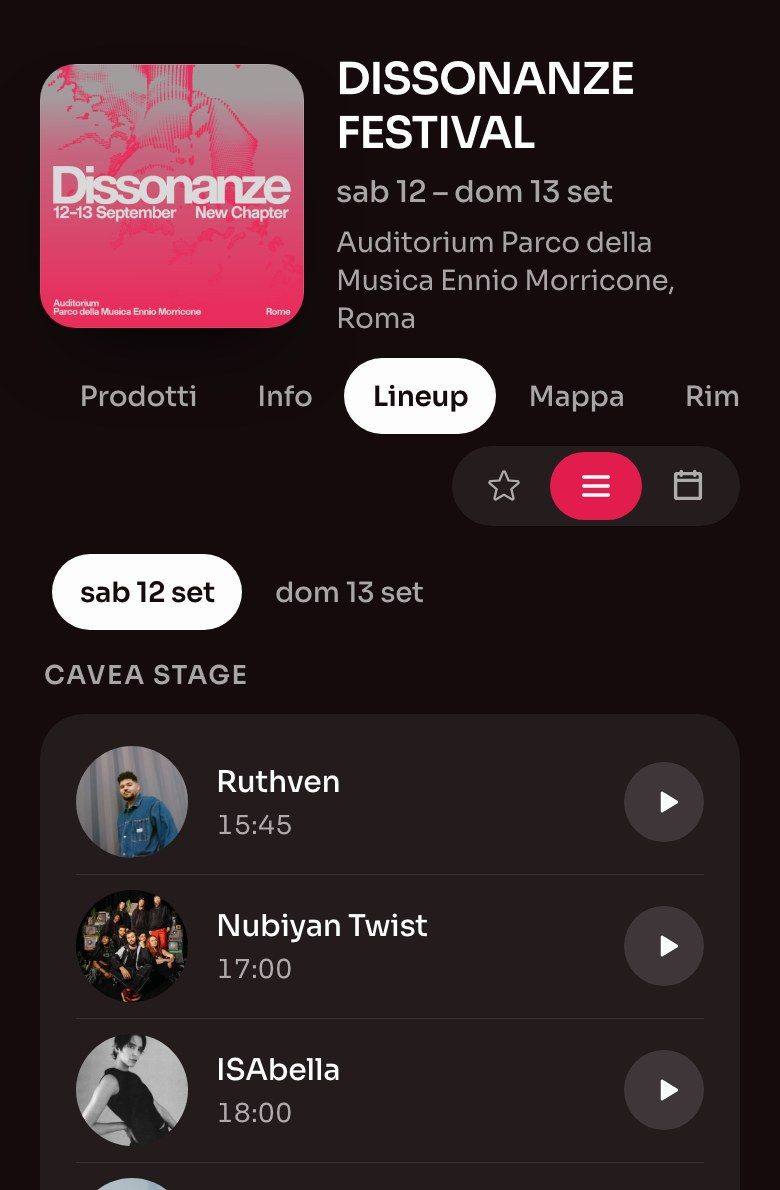


Frequently asked questions about the guestlist
Lists, passwords, approvals and guest data.
How do lists work at the door?
Staff search for the name or scan the QR code and see straight away if the guest is on the list and with which promoter. Duplicates are flagged automatically.
Can I protect the invite with a password?
You can password-protect the link you give partners to add their guests. The invite’s public link stays open, and you approve the requests.
Do I have to approve every request by hand?
No. You can approve or decline each request from the dashboard, or turn on automatic approval.
What information can I ask guests for?
Besides first name, last name and email, add the questions you need, open answer, multiple choice or yes/no, and decide which are required.
How much does it cost?
The cost depends on the event and the services you switch on. Ask for a tailored quote.

Your next invite, without spreadsheets
We’ll show you how Slesh handles invites, requests and passes for your event.